 Filepetal
How to convert AI to SVG
Choose one compatible .ai file, select Convert to SVG, then inspect the actual first output before downloading. Multiple pages in the PDF representation download as a ZIP. The list identifies each saved page, its dimensions and byte count; it is not a gallery of every layer. Keep your original Illustrator document for further editing.
AI here means Adobe Illustrator artwork, not a generative image prompt. This converter renders the compatible PDF or EPS representation and traces the resulting colored regions. It does not extract original Illustrator paths, preserve editable fonts, or reconstruct private editing data. A new .svg extension does not establish faithful vector preservation.
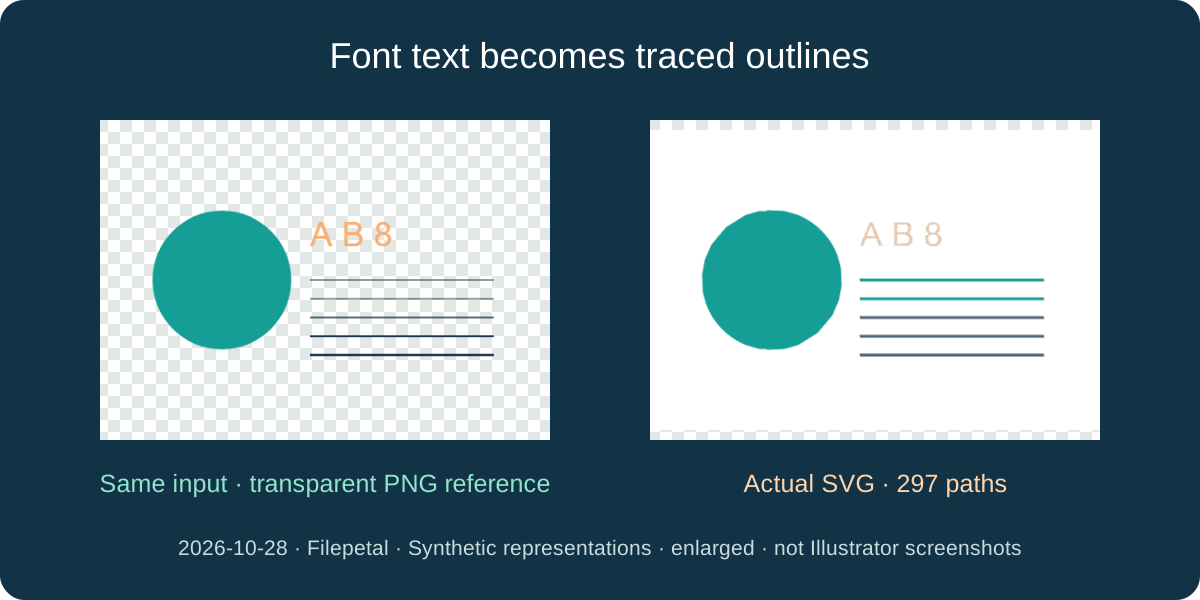
The letters become outlines, not editable text
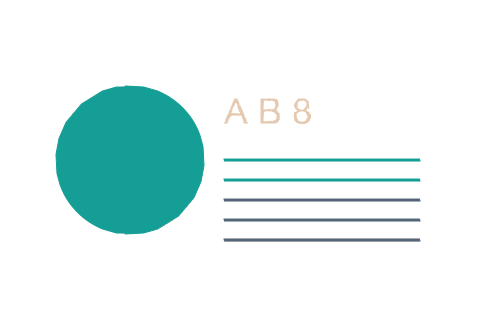
On October 28, 2026, we generated a 240 by 160 point PDF containing a teal circle, five thin strokes and the font text A B 8, then saved its bytes with an .ai extension. Its actual SVG download has outer dimensions of 480 by 320, a matching viewBox, 297 paths and 41,537 bytes. XML inspection finds zero text elements and zero embedded image elements.
The supplied PNG reference is a separate actual download from Filepetal AI to PNG with Transparent selected. It shows the same input after raster rendering; it is not an Illustrator screenshot. The SVG comparison is independently rasterized with sharp/librsvg. Check the small letters and stroke edges in both pictures. Outlines can be edited as paths in a suitable editor, but this result contains no font text to retype. No vector editor or cutting machine was tested.
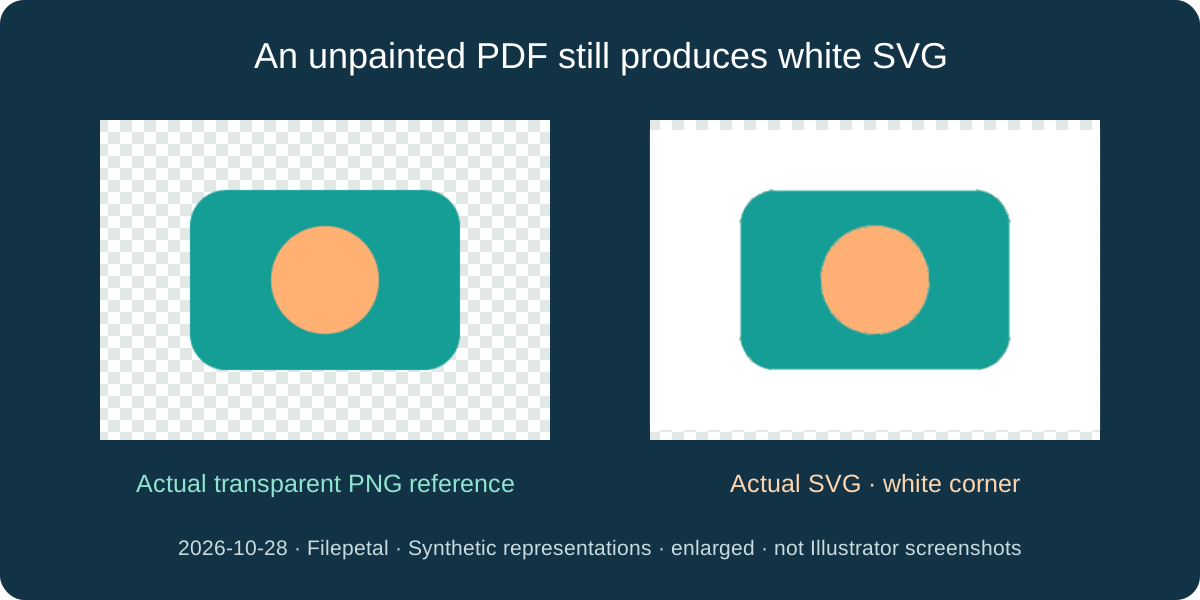
A white page can become part of the trace
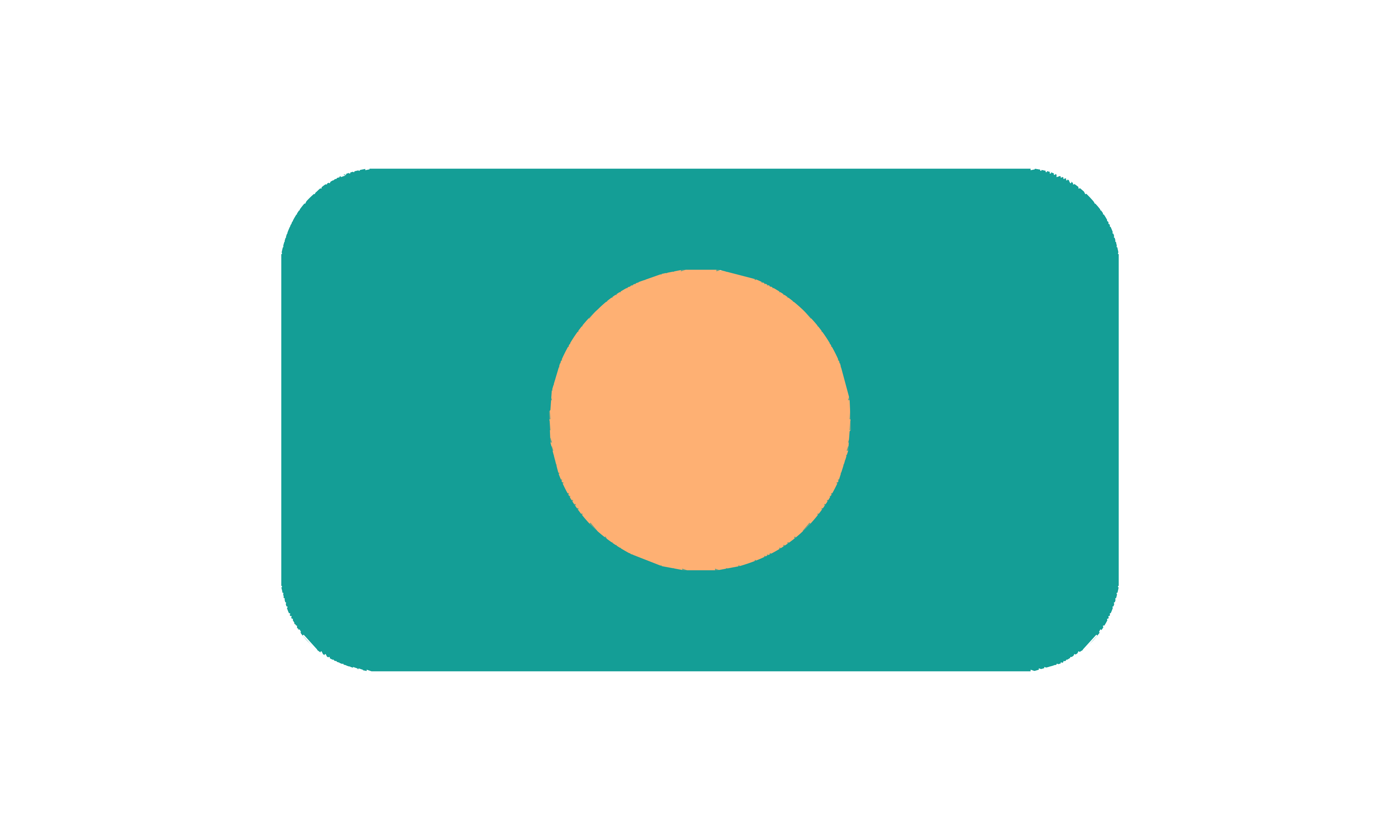
Our unpainted PDF-compatible fixture contains teal and peach shapes on a 180 by 120 point page. The transparent PNG reference has a clear corner. Its SVG download instead has an opaque white corner when independently rendered. A second PDF explicitly paints a white rectangle behind the same shapes; its saved SVG is byte-for-byte identical to the unpainted PDF result: 34,007 bytes, 360 by 240, with 258 paths.
The separate hand-written EPS-compatible sample produces a 180 by 120 SVG of 11,869 bytes with 91 paths and a transparent corner. Its artwork is different from the PDF drawing, so this is a branch observation, not a matched geometry comparison. PDF and EPS compatibility already existed before this update. There is no background selector on AI to SVG, and the new preview does not remove white. If transparency matters, inspect the result over a contrasting color and keep the source.
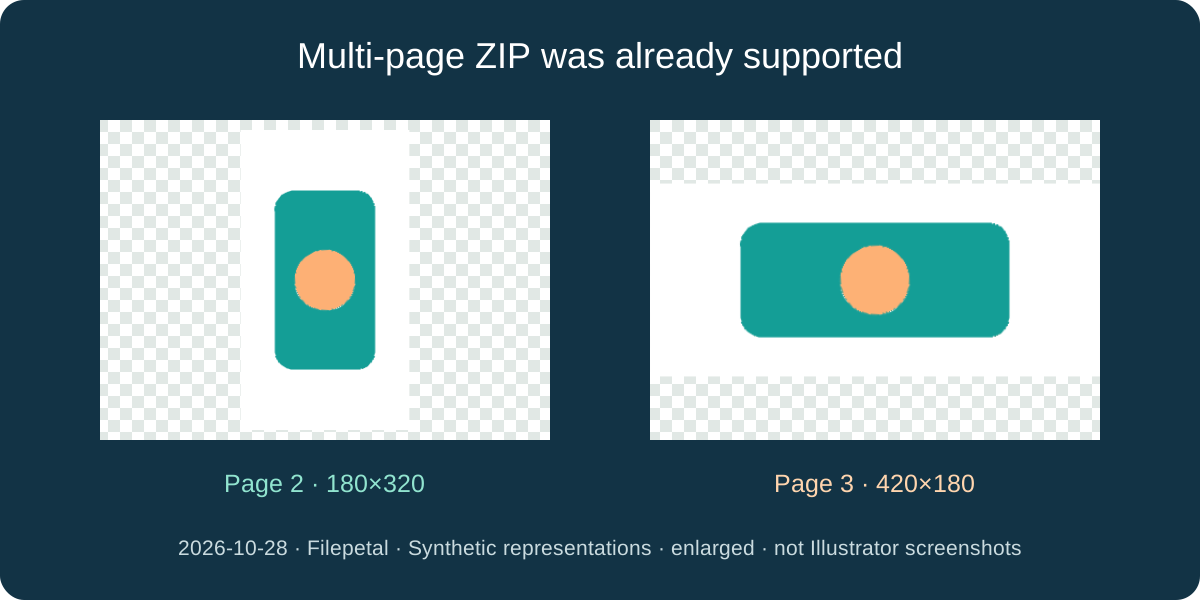
Pages, cropping and the tracing grid are different things
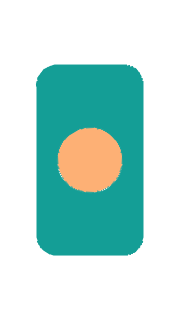
The three-page synthetic representation produces a 7,901-byte ZIP containing page-01.svg, page-02.svg and page-03.svg. Their outer sizes are 360 by 240, 180 by 320 and 420 by 180. The corresponding SVG files contain 34,007, 14,824 and 15,363 bytes. Only the first result is previewed; extract the archive to inspect the other two. These exposed PDF pages are not proof that every Illustrator artboard or hidden layer is available.
The crop-and-rotate fixture has a 180 by 120 point MediaBox, a 120 by 80 point CropBox and a 90-degree page rotation. Its actual SVG measures 160 by 240 and contains 8,742 bytes. The large 3000 by 1800 point fixture first renders within the existing page limits, giving outer SVG dimensions of 4096 by 2458. Its viewBox is only 1024 by 615, and its download is 34,952 bytes. Enlarging it scales that traced approximation, not the original Illustrator geometry. This update adds no resolution or tracing-quality control.
Reproduce the test; keep its limits
These seven valid inputs and two intentional errors are original synthetic PDF/EPS representations stored as .ai. They were not exported from Illustrator and contain no Illustrator-private data. We saved the actual downloads from a byte-identical rebuild of the previous production source, then repeated them after connecting the result preview. The downloadable manifests retain input boxes, rotations, dimensions, byte counts and complete SHA-256 hashes. Hashes identify files; they do not measure visual quality.
Both the invalid signature and malformed PDF stop with an error and leave no download. One input may be up to 20 MB; rendering stays within 4096 pixels per side and 16 million pixels per page. Device memory still limits practical documents. Adobe describes Create PDF Compatible File as storing a PDF representation. Ask the sender for a compatible copy when the required representation is absent. We did not test competitor conversions, native Illustrator files, linked artwork, spot colors, every font or blend mode, or a physical phone.
Download exact inputs and actual SVGs
Input page units are points; output dimensions are the SVG outer width and height. Manifests retain viewBoxes, bytes and full hashes.
| Input | Actual download | Output pages |
|---|---|---|
| crop-rotate.ai | crop-rotate.svg 8,742 bytes | crop-rotate.svg · 160 × 240 · 8,742 bytes |
| eps-compatible.ai | eps-compatible.svg 11,869 bytes | eps-compatible.svg · 180 × 120 · 11,869 bytes |
| large-board.ai | large-board.svg 34,952 bytes | large-board.svg · 4096 × 2458 · 34,952 bytes |
| painted-white.ai | painted-white.svg 34,007 bytes | painted-white.svg · 360 × 240 · 34,007 bytes |
| text-and-curves.ai | text-and-curves.svg 41,537 bytes | text-and-curves.svg · 480 × 320 · 41,537 bytes |
| three-boards.ai | three-boards.zip 7,901 bytes | three-boards-page-01.svg · 360 × 240 · 34,007 bytes three-boards-page-02.svg · 180 × 320 · 14,824 bytes three-boards-page-03.svg · 420 × 180 · 15,363 bytes |
| unpainted.ai | unpainted.svg 34,007 bytes | unpainted.svg · 360 × 240 · 34,007 bytes |





input-manifest.json · output-manifest.json · raster-measurements.json · SHA256SUMS.txt · generate-fixtures.py · REPRODUCE.md · invalid.ai · broken-pdf.ai ·
Frequently asked questions
Does this preserve the original Illustrator vectors?
No. This tool renders compatible artwork and traces colors into new paths. Our font-text sample has 297 paths and no text elements in the saved SVG. Keep the AI master when you need original objects, fonts or layers.
Why does my SVG have a white background?
The tested PDF-compatible path renders a white page before tracing, even when the source leaves that region unpainted. The EPS control retains its clear corner. This page has no background remover or transparency switch.
Will every layer or artboard become a separate SVG?
Only exposed pages in the compatible representation become files. Our three-page test produces a three-file ZIP. This is not a layer exporter or a guarantee for all Illustrator artboards.
Can renaming any file to .ai make it work?
No. The tool validates supported signatures, then the PDF or EPS renderer must decode the contents. The invalid-signature and malformed-PDF controls fail. Renaming does not create a compatible representation.
What changed in this update?
The first actual SVG preview and multi-page output list are new on this page. Compatible input, traced SVG generation and multi-page ZIP already existed. The tracing algorithm is unchanged; the experiments, downloads and explanations are new evidence, not new conversion features.