 Filepetal
How to convert AVIF to PNG
- Choose one .avif file in the tool above.
- Select “Convert to PNG”. Your browser decodes the image and creates the PNG locally.
- Check the actual result preview, especially its orientation and transparent edges, then download it.
Use this converter when an app accepts PNG but will not open your AVIF. It creates one still image, without batch processing or an animation export option. Keep the original, particularly if it contains animation, HDR information or color metadata that another workflow needs.
What four AVIF samples actually produced
On October 11, 2026, we generated four original synthetic AVIF inputs and converted them in the desktop in-app browser. We saved the actual offered PNG files and inspected them independently with Pillow. Three additional inputs tested rejection. These are controlled 8-bit fixtures, not downloaded photographs, HDR images or a survey of every AVIF encoder. The browser engine version was not recorded.
| Input and purpose | AVIF dimensions / bytes | PNG result |
|---|---|---|
| Four transparency bands | 320 × 192 px 542 bytes | 320 × 192 px · 2,094 bytes |
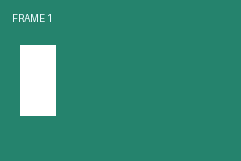
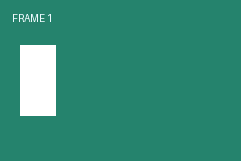
| Three frames with unequal timing | 241 × 161 px · 3 frames 2,044 bytes | One still PNG · 2,182 bytes |
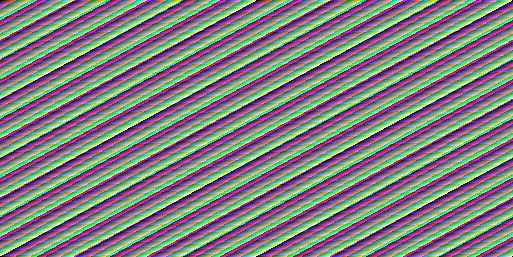
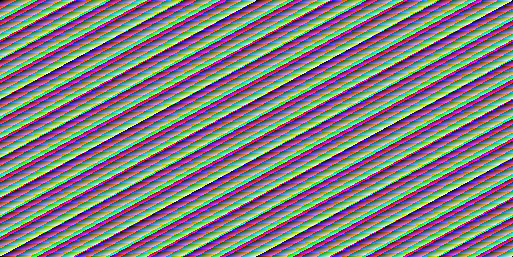
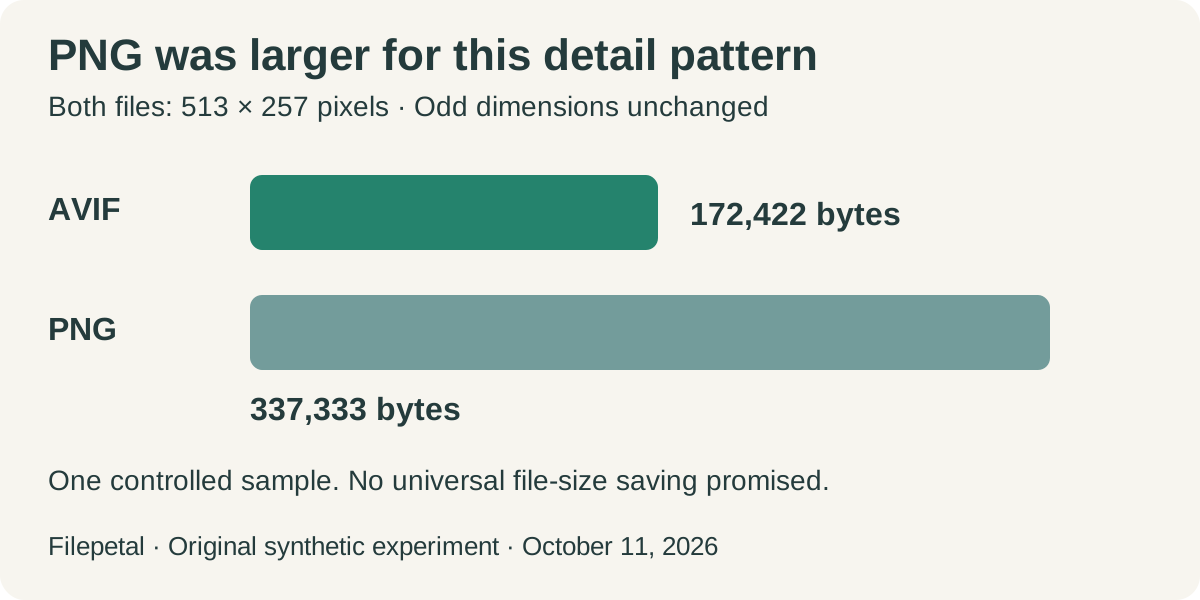
| Odd-size detail pattern | 513 × 257 px 172,422 bytes | 513 × 257 px · 337,333 bytes |
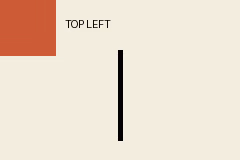
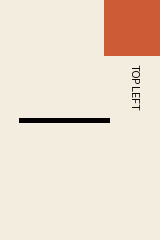
| Orientation marker | 240 × 160 px before orientation 802 bytes | 160 × 240 px · 4,081 bytes |


Existing transparency was preserved without removing the background
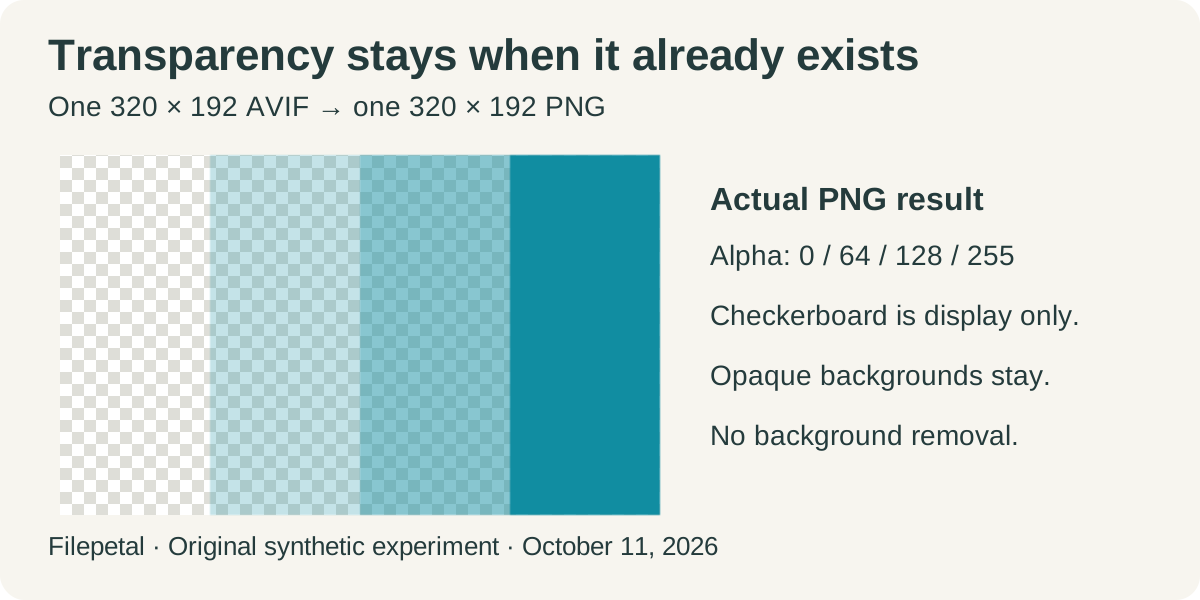
The four vertical bands use alpha values 0, 64, 128 and 255: invisible, partly transparent, partly transparent and opaque. The PNG retained these values at the centers of the bands. Its checkerboard preview makes the first three visible as transparent areas. The checkerboard is a display background, not painted into the downloaded PNG.
The fully transparent band’s hidden RGB became black, and partly transparent colors differed slightly from the independent AVIF decode. This example supports preservation of existing transparency, not a claim that every decoded color value is identical. It also does not turn an opaque photograph into a cutout: the original must already contain transparency, or you must remove the background separately.
Three animated frames became one still image
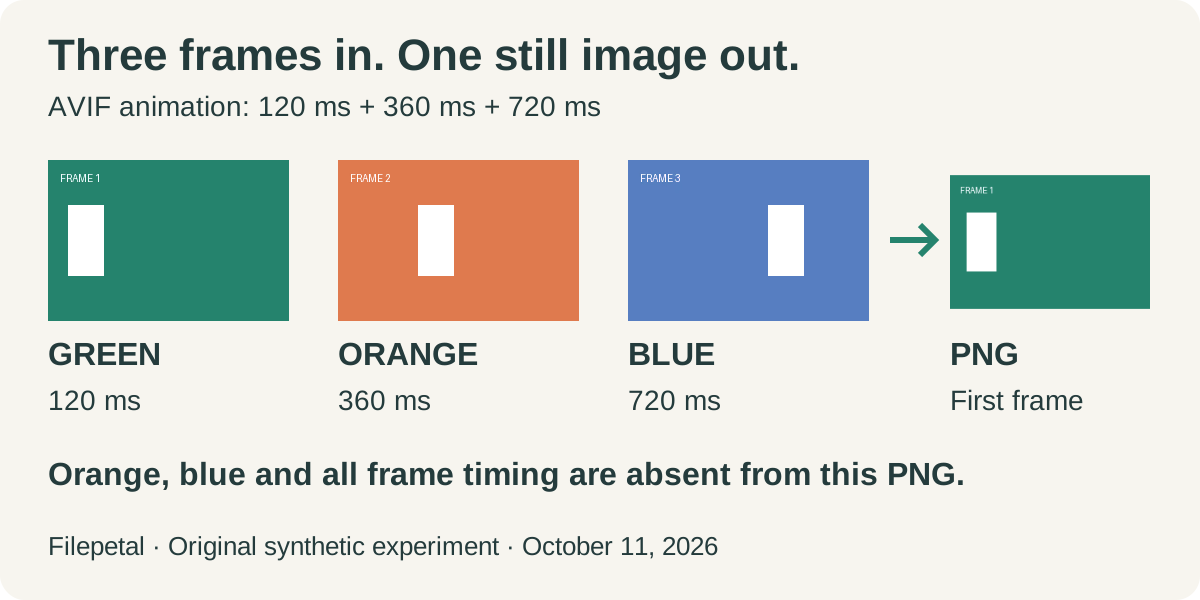
Our animation has a green first frame lasting 120 milliseconds, an orange second frame lasting 360 milliseconds and a blue third frame lasting 720 milliseconds. Independent AVIF decoding confirms all three. Filepetal returned one 241 × 161 PNG showing the green first frame. The saved PNG has one frame and no animation-control chunk; it does not contain the orange or blue picture or their timing.
The animation’s 2,044 input bytes became 2,182 output bytes, but comparing these sizes alone hides the most important change: motion was removed. A still PNG is appropriate when you need one representative picture. If your goal is to retain motion, use a converter that explicitly offers animated PNG/APNG or another animation format. Do not delete the original after seeing a successful still-image download.
Odd dimensions remained intact, while the file grew
The detail pattern measures 513 × 257 pixels. Its PNG kept that size, without padding either odd edge to an even number. The compressed AVIF was 172,422 bytes and the actual PNG was 337,333 bytes. Converting to PNG therefore did not make this input smaller. The alpha-band example also grew, from 542 to 2,094 bytes.
These controlled pairs establish what happened to these files. They do not predict a size multiplier for your photo. PNG stores the resulting raster without PNG compression losses, but that does not reconstruct detail discarded while the AVIF was originally encoded. A larger output can still contain the same already-decoded picture. Compare the visible result and the offered file size against your receiving app’s requirements.
Orientation changed the width and height
The landscape marker was generated with EXIF orientation 6, which the Pillow AVIF encoder represents through its orientation handling. The browser produced a portrait 160 × 240 PNG. The orange corner moved to the top right, and the “TOP LEFT” lettering turned with the picture. The downloaded PNG had no EXIF orientation tag, so the rotation was already present in its raster.
This result differs from a simple width-and-height copy. It is evidence for this marker and this browser, not a promise about every orientation value, crop property or image container. Our independent reference remains 240 × 160 before the orientation is applied. Check a recognizable corner or subject in the preview when the output dimensions unexpectedly swap; do not mistake that swap alone for missing pixels.
Rejection did not leave a stale download
A 47-byte text fixture named .avif failed header validation. A 64-byte truncated AVIF reached decoding and failed to open. A valid 4097 × 96 AVIF was rejected by the side-length limit despite being only 385 bytes. Each rejected input cleared the preceding result and download. A tiny compressed file can still exceed the allowed decoded dimensions.
The current limits are 20 MiB per file, 4096 pixels per side and 16 million pixels total. We tested the oversized side, not the separate byte and total-pixel thresholds. The tool processes one file at a time. Unsupported AVIF variants can fail at decoding even when the extension and header appear valid. Read the displayed error and keep the original.
Reproduce the experiment and its scope
The generation script uses Pillow 11.3.0, AVIF quality 80 and 4:4:4 subsampling. The input manifest records generation time, frame dimensions, durations, bytes and SHA-256 hashes. The dated output record records the actual PNG sizes, hashes, transparency observations and error checks. Separate reference PNGs are independent decodes, not substituted converter outputs.
All four inspected PNGs use 8-bit samples. This does not demonstrate that HDR, 10-bit or 12-bit AVIF precision survives this conversion path: we did not test those inputs, wide-gamut fidelity or metadata round trips. Browser decoders and encoders can also change the exact output bytes. The useful evidence here is a reproducible set of specific results, not an exclusive feature claim.
Three checks before replacing the original
These original diagrams summarize our October 11 experiment. Each shows the tested inputs and the limit of the conclusion.
AVIF to PNG questions
Will my animated AVIF stay animated?
No animation is exported by this tool. Our three-frame AVIF produced just the first frame in a still PNG. The AVIF specification supports image sequences, but the source format’s capability does not guarantee that a converter preserves them.
Will PNG keep a transparent background?
Our alpha-band test retained existing transparent areas. The PNG specification defines alpha storage. An opaque background remains opaque unless it is edited separately; conversion is not background removal.
Why is my PNG bigger than my AVIF?
Our detail sample grew from 172,422 to 337,333 bytes at the same dimensions. PNG and AVIF encode the decoded image differently. This page does not promise a smaller output or a general size ratio. Check the byte count beside your actual preview.
Why did the width and height swap?
Orientation can be applied during decoding. Our orientation-6 marker changed from a stored 240 × 160 landscape to a 160 × 240 portrait PNG. Inspect the subject’s direction; this single test does not verify all orientation or cropping cases.
Is this a batch converter or an HDR preservation tool?
This page converts one file at a time. Batch controls and HDR preservation are not provided or verified here. Our fixtures and inspected PNGs are 8-bit. Keep the AVIF original if you need its animation, high-bit-depth data or metadata.