 Filepetal
How to convert JPG to PNG
- Choose one .jpg or .jpeg file above.
- Select “Convert to PNG”. The tool decodes your JPEG and exports PNG.
- Inspect the actual PNG preview, dimensions and byte count, then download the image.
Everything runs in your browser; the image is not uploaded. The preview shows your actual converted PNG. Download the paired samples below to see what was tested and repeat the study.
This page converts one still image. It has no resize, batch, background removal or sharpening control. Keep the original JPEG and, when available, the image that existed before JPEG compression.
Lossless PNG does not recover a lossy JPEG
The PNG specification defines lossless storage. That describes the data given to the PNG encoder, not the history of your photograph. A JPEG can already contain softened text, ringing around edges or compression blocks. Encoding those decoded pixels as PNG preserves those artifacts too; it does not reconstruct the missing detail.
Similarly, a PNG file can support transparency without having transparent pixels. This converter does not select a background color to erase or run a subject-cutout model. A white area in the JPEG stays part of the picture. Changing the format does not make that background transparent.
Thirteen checks of actual JPEG inputs
On October 7, 2026, we selected thirteen original synthetic inputs in the actual desktop browser tool. Nine produced PNG downloads; four produced errors. We saved the offered PNG bytes and the reports produced during that experiment, then decoded every saved PNG with Pillow as an independent output check. The recorded pixel comparisons apply only to the archived samples. The browser engine version was not recorded. This is a dated sample study, not certification of every JPEG variant or device.
| Input / purpose | Stored JPEG dimensions / bytes | Saved PNG / dimensions |
|---|---|---|
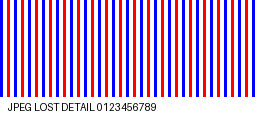
| Low-quality RGB / quality 18 | 257 × 129 px 6,141 bytes | 11,048 bytes 257 × 129 px |
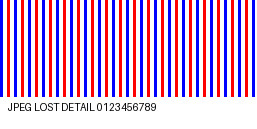
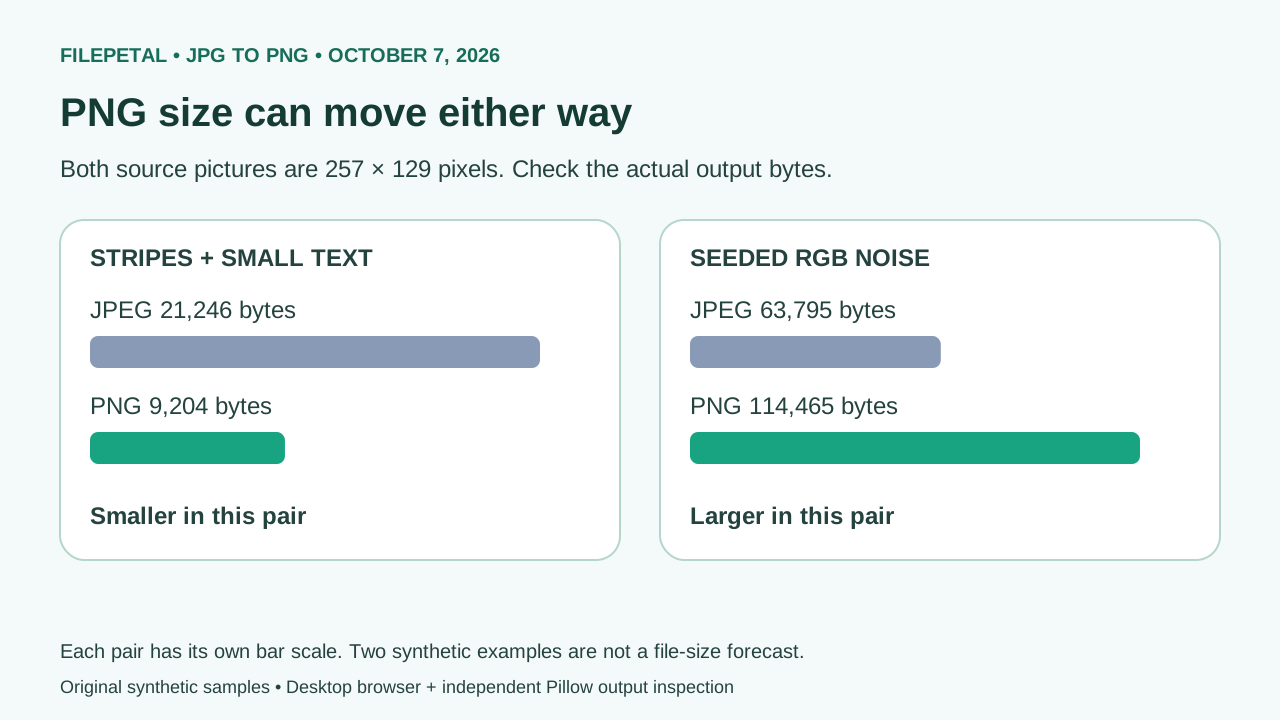
| Baseline RGB / quality 90 | 257 × 129 px 21,246 bytes | 9,204 bytes 257 × 129 px |
| Progressive RGB / same settings | 257 × 129 px 14,529 bytes | 9,204 bytes 257 × 129 px |
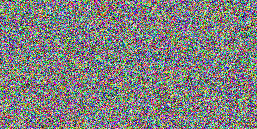
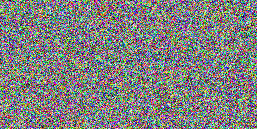
| Seeded RGB noise | 257 × 129 px 63,795 bytes | 114,465 bytes 257 × 129 px |
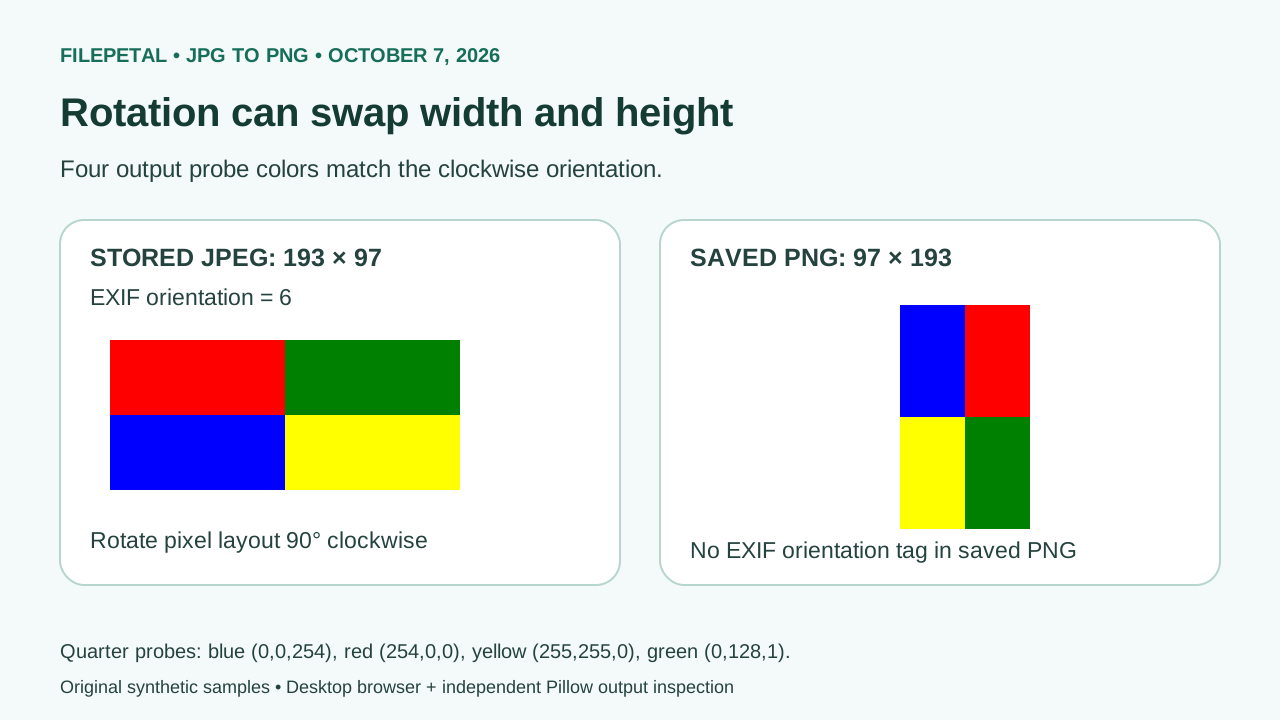
| EXIF orientation 6 | 193 × 97 px 2,997 bytes | 1,387 bytes 97 × 193 px |
| Four CMYK color bands | 256 × 64 px 1,251 bytes | 659 bytes 256 × 64 px |
| Grayscale ramp | 257 × 129 px 2,480 bytes | 2,330 bytes 257 × 129 px |
| At the side limit | 4096 × 8 px 1,653 bytes | 767 bytes 4096 × 8 px |
| .jpeg alias of baseline | 257 × 129 px 21,246 bytes | 9,204 bytes 257 × 129 px |
| One pixel over the side limit | 4097 × 8 px 1,657 bytes | Rejected: dimensions exceed the side limit. |
| Truncated JPEG | 40 bytes; incomplete image | Rejected: image could not be opened. |
| Text named .jpg | 33 bytes; no JPEG header | Rejected: not a valid JPG file. |
| Empty .jpg | 0 bytes | Rejected: choose a non-empty file. |




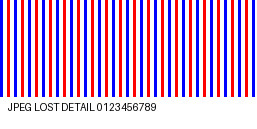
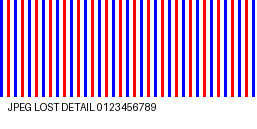



Zero export differences, but JPEG damage remained
In that earlier sample study, all nine successful runs had zero changed RGBA pixels after PNG export and zero non-opaque output pixels. Independently decoded PNG raster hashes matched the archived reports. Those comparisons started after the browser decoded the JPEG, including its orientation and color handling. A zero count does not prove recovery of the original picture or fidelity to an embedded print profile. These are recorded sample measurements, not a feature of the current conversion flow.
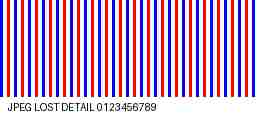
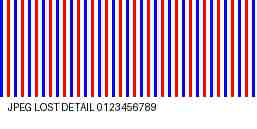
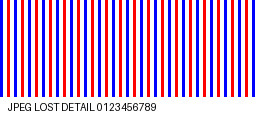
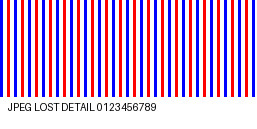
We generated a 257 × 129 reference graphic with narrow colored stripes and small text, then saved a low-quality JPEG from it. Its converted PNG still differed from that reference at 27,506 of 33,153 RGB pixel positions. The calculation is 27,506 ÷ (257 × 129) = 0.8296685, about 82.97% of positions with at least one changed RGB channel. This is a strict pixel-inequality count, not a perceptual quality score or a predicted loss percentage for photographs. The PNG introduced no additional measured canvas differences; it also did not undo the JPEG changes.
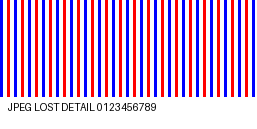
Baseline and progressive JPEGs converged to the same PNG
The baseline and progressive files use the same synthetic graphic, quality 90 and no chroma subsampling. Their JPEG byte counts differed: 21,246 versus 14,529. Both converted to the same 9,204-byte PNG with identical file and decoded-raster SHA-256 hashes. The .jpeg alias contained exactly the baseline JPEG bytes and produced that same PNG too. This tests those controlled files; it does not say every pair of progressive and baseline encodings has identical pixels.
EXIF rotation changes the decoded dimensions
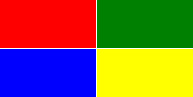
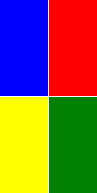
The orientation-6 JPEG stores a 193 × 97 image with asymmetric red, green, blue and yellow regions. The output was 97 × 193. Its four quarter-position probes, from top-left to bottom-right, read RGBA (0,0,254,255), (254,0,0,255), (255,255,0,255) and (0,128,1,255). The saved PNG had no EXIF orientation tag. The rotation was applied to the pixel layout instead of requiring the output viewer to repeat that instruction.
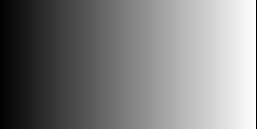
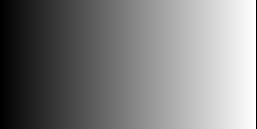
createImageBitmap documentation describes EXIF orientation as the default and color-space conversion as implementation-specific. Our CMYK sample produced an RGBA PNG, and the grayscale sample's two probes remained equal-channel RGB (64,64,64) and (192,192,192). The input modes were not preserved as CMYK or grayscale storage. These synthetic checks do not establish ICC-profile accuracy, printing suitability, HDR or twelve-bit JPEG support.
Check the actual output size because PNG files can grow or shrink
The baseline stripe-and-text JPEG shrank from 21,246 to 9,204 bytes. Seeded RGB noise grew from 63,795 to 114,465. These files both measure 257 × 129 pixels, so dimensions alone do not predict the output size. Noise is a reproducible high-variation pattern, not a real photo or a promised compression ratio. A PNG may suit repeated editing or image compatibility even when it occupies more space.
The 4096 × 8 JPEG succeeded, while the 4097 × 8 JPEG failed despite being only four bytes larger. That isolates the side-length guard from compressed file size. Each of the four error cases cleared the old result and left no download. We did not exercise the separate 20 MiB or 16-million-pixel boundaries. Repeat the study using the fixture generator, output-check script, input manifest, actual browser reports and independent output measurements. All successful pairs include exact dimensions, byte counts, dates and hashes. Encoder bytes may vary in another browser or future version.
These downloadable experiments add verification material. Previews and PNG conversion are common features, and this study does not establish an exclusive capability over another converter.
The measured results, in three pictures
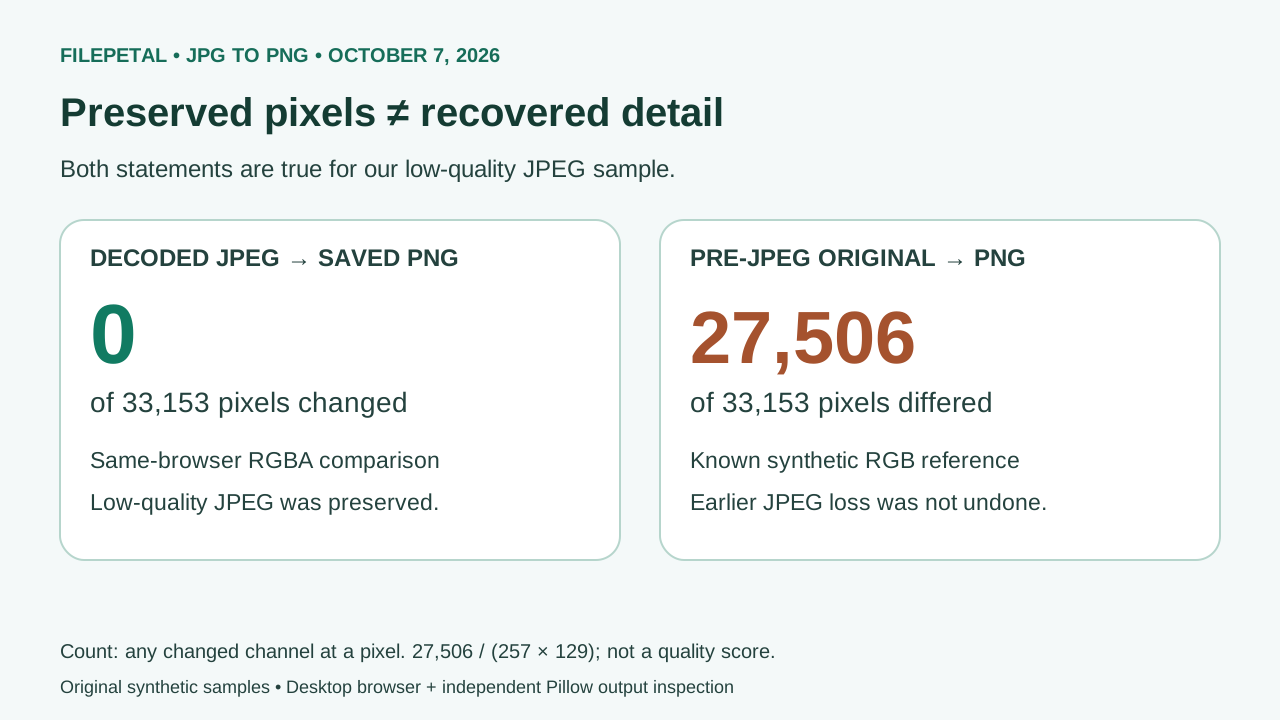
Each original diagram uses this page's October 7 sample measurements. The central distinction is between preserving already-decoded JPEG pixels and recovering a pre-JPEG original.
JPG to PNG questions
Does PNG improve a low-quality JPEG?
It cannot undo damage already in the JPEG. In our dated sample study, the low-quality PNG still differed at 27,506 positions from the known original even though export introduced no additional measured differences. Keep an earlier, higher-quality original when you need cleaner detail.
Will my white JPG background become transparent?
No background-removal step is performed here. All nine successful test outputs had zero non-opaque pixels. If you need a cutout, remove the background in an image editor and save that edited image as PNG.
Why did the width and height swap?
A JPEG can store a rotation instruction in EXIF. Our orientation-6 sample changed from stored 193 × 97 to output 97 × 193 after that instruction was applied. Inspect the actual PNG preview; unchanged stored JPEG dimensions are not the correct expectation for this file.
Will PNG be smaller than JPG?
Not reliably. Our baseline JPEG became smaller, while our seeded-noise JPEG became larger. The actual output bytes shown above the download describe your conversion; these two examples are not a size forecast for your image.
Supported files and current limits
One valid .jpg or .jpeg file, from 1 byte through 20 MiB (20,971,520 bytes). Decoded images must fit 4096 pixels per side and 16 million pixels total. Those are current application guards, not JPEG or PNG format limits. Corrupt inputs are rejected; available device memory still matters.
The output is a still PNG from a browser-decoded 8-bit canvas. Conversion does not certify metadata preservation, print colors, an original raw photograph or another browser. No physical-phone test was performed.