 Filepetal
How to convert PNG to SVG
- Choose a PNG with clear shapes and enough contrast.
- Select “Convert to SVG”, then inspect the actual SVG preview above.
- Download the SVG. Keep your PNG so you can compare small details and colors.
This converter redraws colored regions as paths in your browser. It does not recover the original design layers, fonts or drawing instructions. A logo with a few solid colors is a useful starting point. A photo, soft shadow or small label may become simplified artwork. If exact raster appearance matters more than editable shapes, keeping the PNG can be the better choice.
Real paths can still change the picture
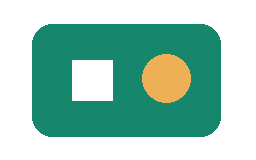
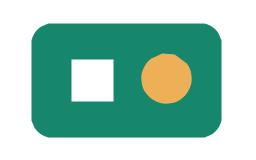
Our flat-color sample produced four SVG paths and no embedded image. That proves this output contains traced shapes, but it does not prove a lossless conversion. The input was 880 bytes; its SVG was 1,293 bytes. The transparent exterior and three visible regions remained recognizable. Curved edges were redrawn rather than copied as pixels.
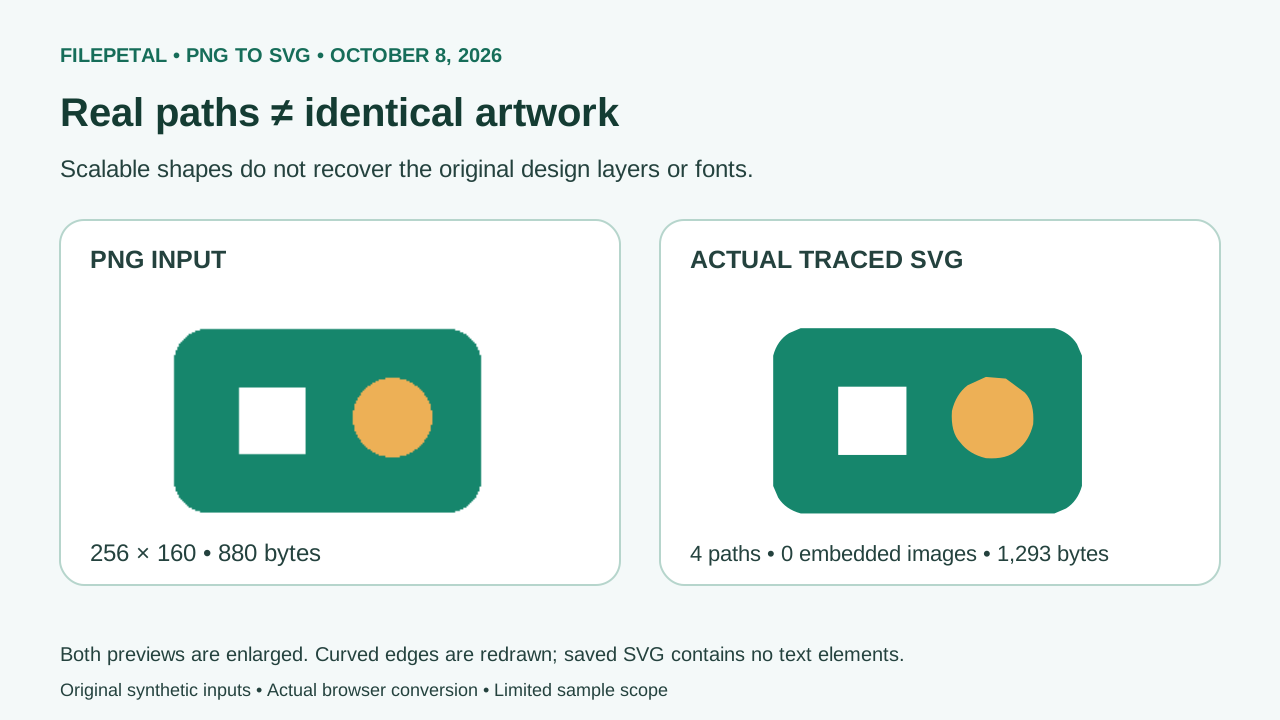
SVG can also contain a raster image through an image element, as described in the SVG specification. Merely changing the extension to .svg is not evidence of vectorization. Our four saved outputs contain paths with no image or text elements. Lettering in a PNG would therefore be outlines, not editable font text; a cutter or embroidery application still needs its own import and production check.
Why a fine line can change after tracing
The tracing stage fits the picture inside 1,024 pixels on its longest edge. Larger input is downsampled before the shapes are traced; the SVG still declares the original width and height. Our 2,048 × 256 PNG therefore produced a 2,048 × 256 SVG with a 1,024 × 128 viewBox. Those matching outer dimensions do not mean all original detail survived.
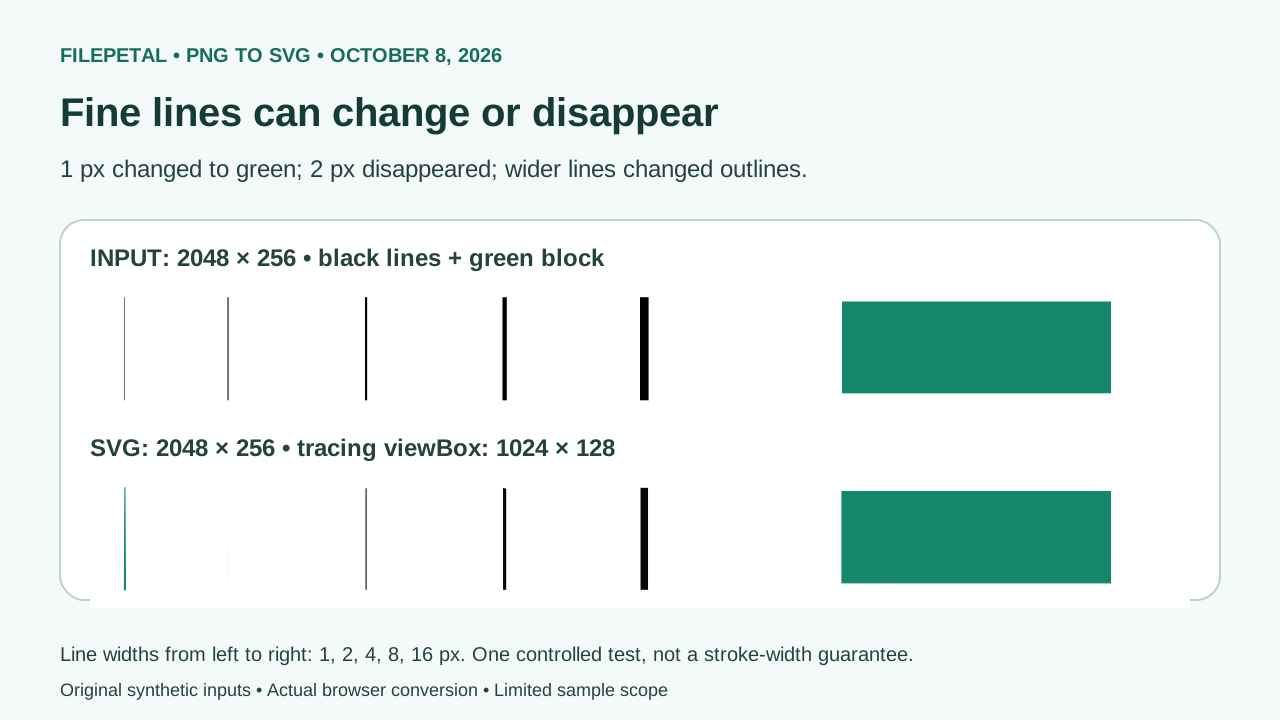
This test used black lines on white, plus a large green rectangle. The one-pixel black line became green in the actual output, while the two-pixel line was no longer visible in the independently rendered result. The wider black lines remained visible with different outlines and widths. A larger declared SVG size cannot bring back a feature already changed at the tracing stage. Crop away unused margins in your source and inspect lettering or thin strokes before using the result. These five lines are a controlled example, not a minimum guaranteed stroke width.
Colors and transparency need separate checks
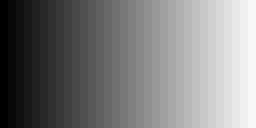
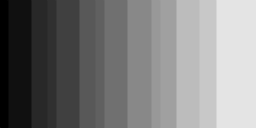
This implementation uses a 16-slot tracing palette. Our 32-step gray strip became 14 distinct path fill colors. Several neighboring steps merged: source gray values 8, 16 and 24 all rendered as 16 at the centers of their bands. The darkest band stayed black; the brightest source band, 248, rendered as 228. A smooth gradient or photograph can therefore look posterized, even when the SVG scales cleanly.
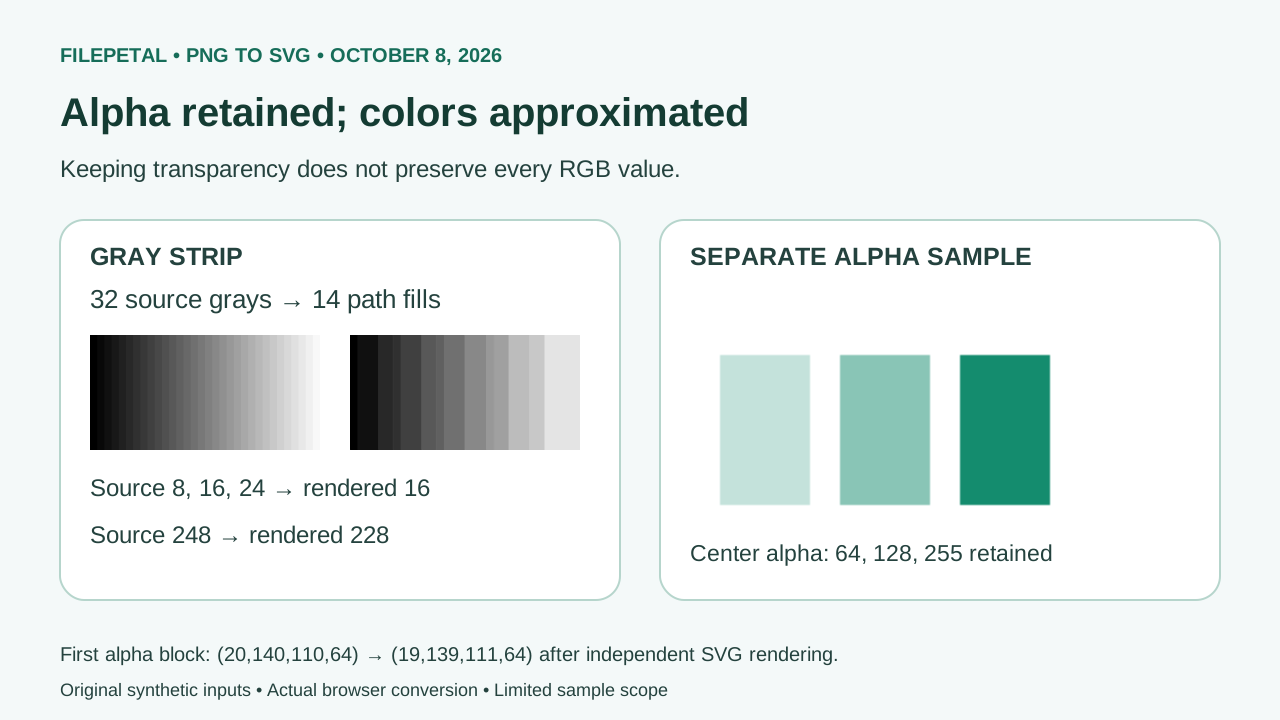
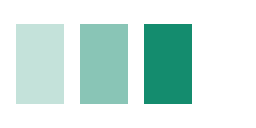
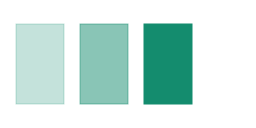
In the transparency sample, center alpha values of 64, 128 and 255 remained 64, 128 and 255 after independent SVG rendering; the exterior stayed fully transparent. RGB did change in two blocks. For example, the first block went from (20, 140, 110, 64) to (19, 139, 111, 64). Keeping an alpha level is not the same as keeping every color. The preview above uses a checkerboard so you can see transparent areas. Tracing does not automatically remove a background that is already opaque.
Download and repeat these four experiments
Test date: . All inputs were created for this page and converted using the actual browser tool. Each saved SVG was parsed and rendered independently with sharp/librsvg. The pairs are provided below; download the dated manifest for full dimensions, byte counts, SHA-256 hashes and the stated inspection scope. Hashes identify these exact saved files, not a promise of identical exports across all browsers.
| Sample | Input PNG | Output SVG | What to look for |
|---|---|---|---|
| flat-logo | 256 × 160 880 bytes | 256 × 160 1,293 bytes | Recognizable solid regions; curved edges redrawn |
| alpha-steps | 256 × 128 425 bytes | 256 × 128 860 bytes | Center alpha retained; some RGB values changed |
| thin-lines-2048 | 2048 × 256 2,295 bytes | 2048 × 256 1,580 bytes | Changed or missing fine lines after downsampling |
| gray-32 | 256 × 128 430 bytes | 256 × 128 2,348 bytes | 32 input grays merged into 14 fills |


SHA-256 for the downloadable pairs
flat-logo
PNG: 239c097d8750dd3218e28fe0d47b4bdc5111b9aaa4d4f0574af51151af0d7411
SVG: afaf45abeec73df3e2a2b04cd9902ba5e4bf16c93f12685cfa016568926dac0a
alpha-steps
PNG: 56494381b23cbfc845ff033eb87f2b2d96de7bf6f49e380cbe1bc73f27060b9a
SVG: 505170f2fb002aa77a834d0f0e257294ac834173e9e4c28af04acaddb1dc991c
thin-lines-2048
PNG: fe8b9d9b79e4f20fc8bbf35c3b1b3af72d26490f79f1e5200230edb68a662ac2
SVG: 8e006accd4d2cccbcd4b631da2c41d00bb5f3e070befb0c59bde2a36dcf4c03d
gray-32
PNG: fcc911241d15240a5110582957854f5d6646a91aae32edc02b1c373fa022ca41
SVG: c3132f7db2b0942288c9cac0aaa683e182a8e340ef5145d084333f2a3de4981c
Three of these SVGs were larger than their PNGs; the fine-line SVG was smaller (2,295 to 1,580 bytes). Output size depends on the paths needed to describe a picture. These small constructed images do not establish a general compression rate or a quality ranking.
Supported input and practical limits
Choose one valid PNG, up to 20 MB. Decoded images must be no more than 4,096 pixels on either side and 16 million pixels in total. These are current implementation limits, not requirements of the PNG or SVG standards. Tracing uses the smaller internal image described above and can reject unsupported or damaged input. The original file stays on your device.
We checked a text file renamed .png, a truncated PNG, a 4,097 × 1 PNG and an input above 20 MB. Each displayed an error and left no SVG download. If a damaged file fails, export a fresh PNG from your image editor. For a large source, crop or resize a copy and check the resulting thin features; keep the original unchanged.
PNG to SVG questions
Is the result a real vector or a PNG inside an SVG?
This tool traces paths. The four saved examples above contain no embedded image elements. Other SVGs can contain raster images, so the extension alone is not proof. Path output can still differ from its PNG source.
Why did my thin line or small text change?
Downsampling, palette reduction and tracing can change small features. In our five-line sample the thinnest line changed color and the next one disappeared. Inspect the saved preview and keep the PNG if those features must remain exact.
Will the transparent background stay transparent?
It stayed transparent in our three-block sample, including the two partial-alpha levels at the measured centers. That is a limited test, not a guarantee for every edge or file. An opaque white background is not automatically removed.
Will the SVG be smaller?
There is no size guarantee. Our logo grew from 880 to 1,293 bytes and the gray strip from 430 to 2,348. Check the actual byte count above before downloading; use the format that suits your purpose.
Can I recover editable text or use this directly for cutting?
Tracing does not recover the font or original design layers. These saved outputs have no text elements. Open the SVG in your target editor and check closed contours, small shapes and intended dimensions before a physical cut. We have not tested a cutting machine with these samples.