 Filepetal
How to convert SVG to WebP
Choose one SVG file, drop it into the tool, or paste self-contained SVG code. Set the output width in pixels; height follows the source aspect ratio. Choose Transparent or White, then a quality value from 20 to 100. Convert, inspect the actual downloadable WebP preview, and download the file. The result shows its real dimensions and byte count. Changing a setting clears the old result so the preview cannot silently represent earlier settings.
Same dimensions, different color compression
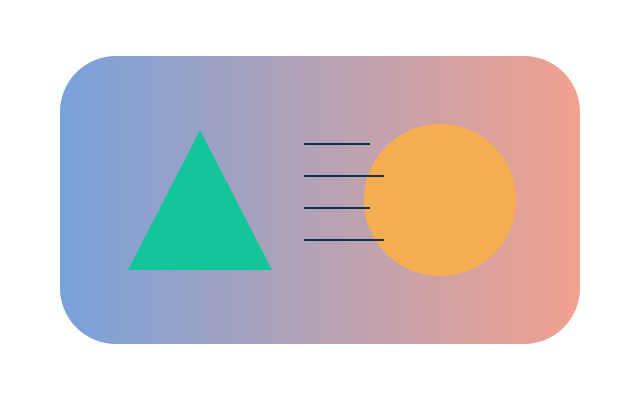
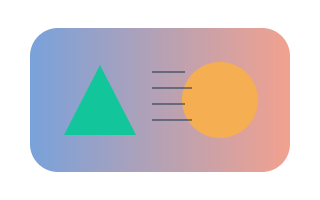
Our original 320 × 200 alpha-badge SVG was encoded three times at the same dimensions on November 1, 2026. Quality 30 produced 3,392 bytes; quality 80 produced 4,162 bytes. Both contain VP8 image data and an alpha chunk. Comparing decoded outputs with the PNG rendering found 35,187 and 34,297 changed visible RGB pixels, respectively. A changed pixel means any RGB channel differs, not that a person necessarily notices the difference. Fully transparent pixels are excluded from that color count. Both outputs retained exactly the same alpha values as the reference: zero changed alpha pixels. Color compression and transparency are therefore separate checks in this experiment.
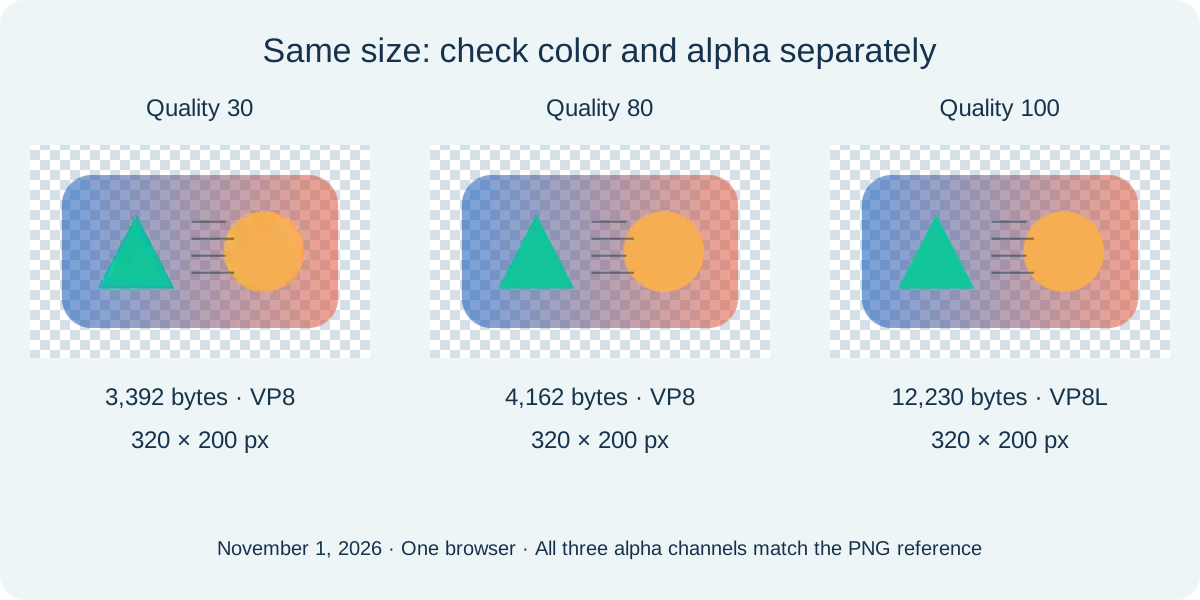
What happened at quality 100?
In this tested Microsoft Edge build, quality 100 produced a 12,230-byte file containing VP8L lossless image data. Its visible RGB and alpha matched the PNG reference exactly. This observation describes the returned file, rather than assuming that the slider label guarantees a codec. The page delegates encoding to your browser and has no separate lossless-mode switch. A quality request does not provide a browser-independent guarantee of identical bytes, codec choice or file size. Check the downloadable files and their chunk records before extrapolating this result to another browser. The original SVG remains editable vector markup; even this matching raster output has a fixed pixel grid.
Choose width before judging file size
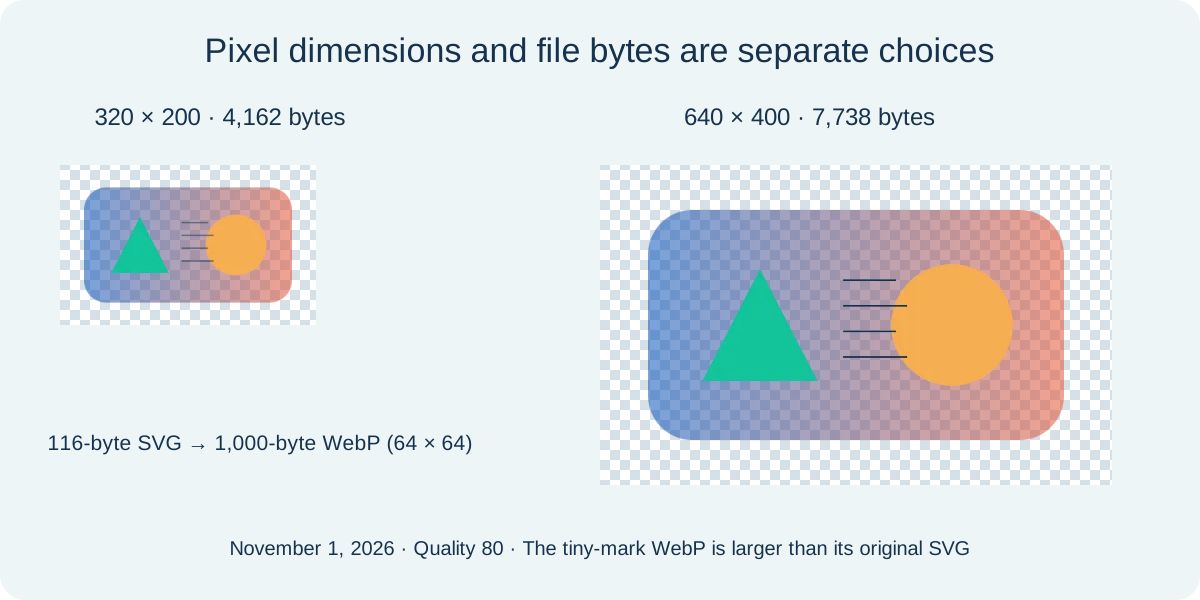
At quality 80, increasing our badge width from 320 to 640 changed its height from 200 to 400 and its byte count from 4,162 to 7,738. Doubling width and height quadruples the number of output pixels; the file size did not quadruple in this pair. Quality controls compression, while width controls how many pixels are rendered from the source. A separate simple 64 × 64 circle was only 116 bytes as SVG but became a 1,000-byte WebP. Conversion is useful when a destination needs raster input; it is not a promise to shrink every vector file. Keep the source and compare at the actual intended display size. These synthetic fixtures do not predict every logo, browser, monitor or content-management system.
A clear background is not background removal
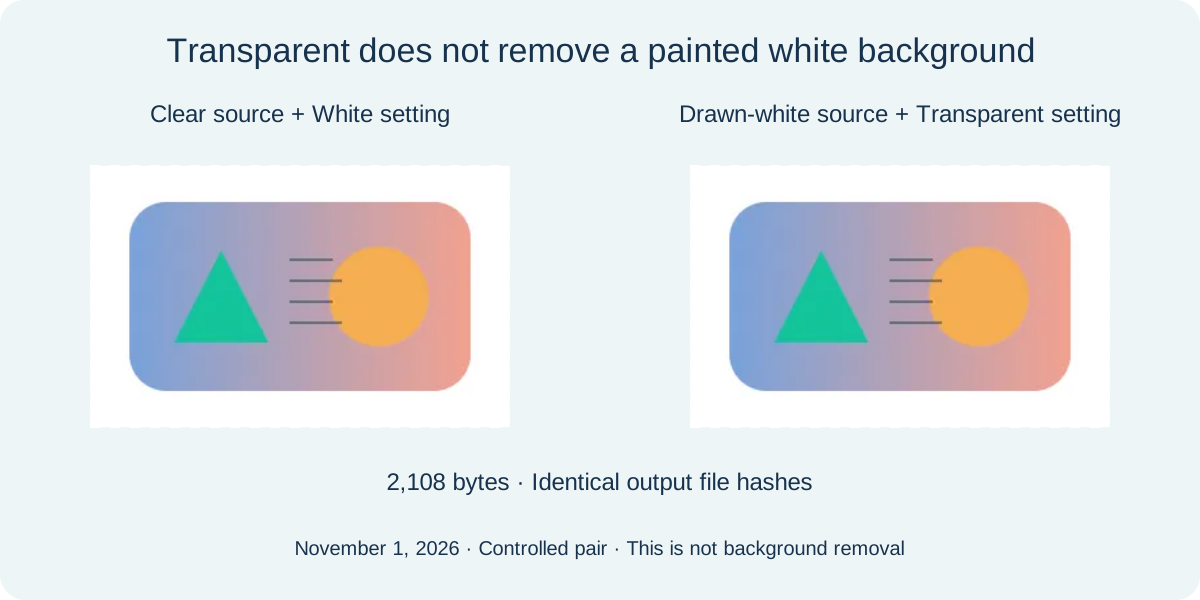
Our alpha-badge contains fully clear, partly transparent and opaque pixels. Transparent leaves those regions available to the encoder. White composites the artwork on white before encoding. We compared that white-filled conversion with a second SVG that already draws a white rectangle behind the same artwork. Both actual quality-80 outputs were 2,108 bytes and had identical SHA-256 hashes. Selecting Transparent for the already-white source did not remove the drawn rectangle. This matched pair explains a common preview misunderstanding without promising automatic background detection. A shifted-viewBox control also kept a centered circle at 320 × 200, checking that source coordinates were rendered rather than treated as crop instructions.
It opens in a browser. Why is it rejected here?
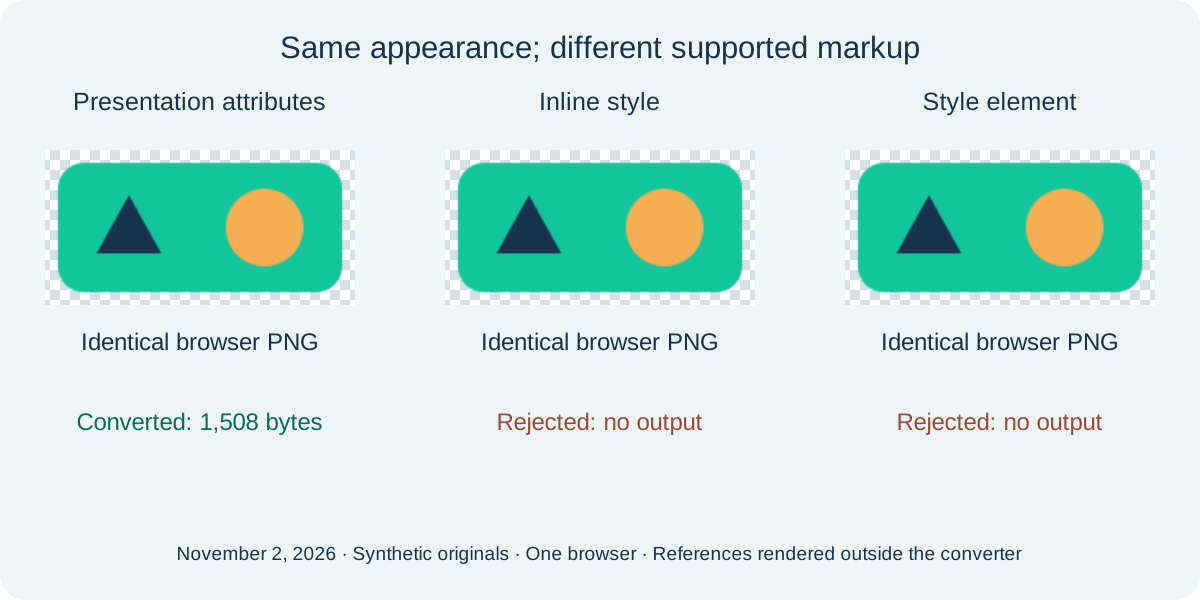
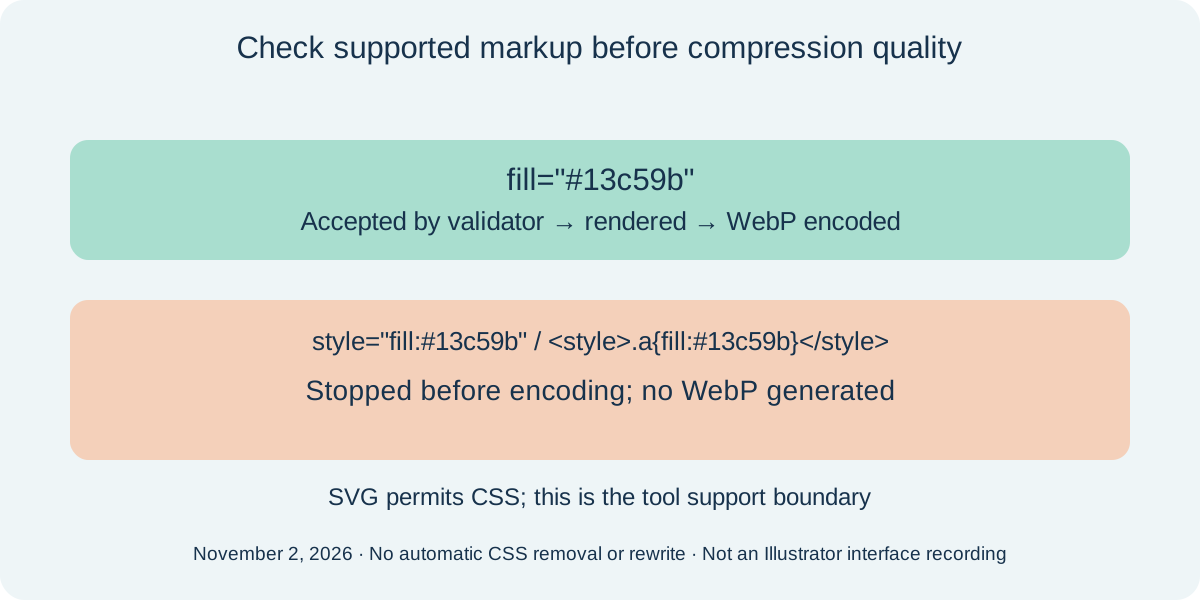
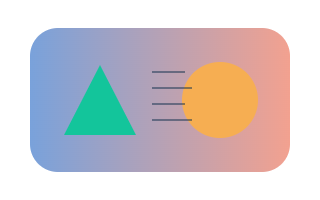
Three original SVGs drawn on November 2, 2026 contain the same rectangle, circle and triangle at 192 × 96. One writes fill as presentation attributes; one uses inline style; one uses a style element with classes. The browser rendered all three to byte-identical PNG references when tested outside this restricted converter. Inside this tool, the 251-byte presentation-attribute input produced a real 1,508-byte WebP at quality 80. The 269-byte inline-style and 299-byte style-element controls were rejected before encoding, with no output file. This distinction describes the existing validator, not a newly added CSS converter. The generic unsupported-content message does not prove that an SVG is invalid or that all CSS is malicious. SVG itself supports CSS. Appearance in another viewer is therefore not a guarantee of support here.
If you control the original artwork, export a separate SVG copy using presentation attributes for simple fill and stroke, then inspect the result. Adobe documents separate styling choices for internal CSS, inline style and presentation attributes; the labels and location depend on the exporter. Do not just delete the styling, because that can remove the intended colors. This page does not rewrite CSS or automate Illustrator. Re-exporting one setting does not resolve every unsupported feature: scripts, animation, embedded images and external resources remain outside the supported scope. These controlled files were hand-authored, not exported by Illustrator, and no competing converter or physical phone was tested. Desktop, 390-pixel English and 320-pixel Chinese checks each rejected both CSS controls, cleared stale downloads and recovered to the supported input with an actual matching download.
Download this markup experiment record
| Sample / date | Input and browser reference | Converter result | SHA-256 |
|---|---|---|---|
| markup-attributes 2026-11-02 192 × 96 px | markup-attributes.svg (251 bytes) PNG (2668 bytes) | WebP (1508 bytes) 192 × 96 px | 827947053bdbfad5ae670203e861487d9cfaa1f0628dc9cdc06c567055370872ebcfb6c2a22ec4c6b632ec3d77ff22e1144c8798b2cfa3bcb1d00b78305dcfb5cffc5d06b0fdea7aef91a23fc34d5af504dacf9645dd41ba1f6061745ada2c34 |
| markup-inline 2026-11-02 192 × 96 px | markup-inline.svg (269 bytes) PNG (2668 bytes) | Rejected; no output generated | c4cd0d0a57dfa78972e41a2420e17e61aedb101573ee6f401e98359a3b1ae415ebcfb6c2a22ec4c6b632ec3d77ff22e1144c8798b2cfa3bcb1d00b78305dcfb5 |
| markup-css 2026-11-02 192 × 96 px | markup-css.svg (299 bytes) PNG (2668 bytes) | Rejected; no output generated | 3f9abb690a29413688d7a224c1f431be6a46954c57dbda78941306184b6b4770ebcfb6c2a22ec4c6b632ec3d77ff22e1144c8798b2cfa3bcb1d00b78305dcfb5 |







Did the letters change before compression?
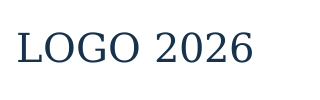
On November 4, 2026, three original text SVGs drew LOGO 2026 in one Edge font environment at 320 × 100, font size 40 and WebP quality 80. An invented font name followed by monospace produced a PNG reference identical to explicit monospace. Their WebP files were also byte-identical, at 3,034 bytes each. Explicit serif produced a PNG reference with 3,089 different RGBA pixels before WebP encoding; its WebP was 2,916 bytes. A different pixel means any RGBA channel differs on the same canvas, not a visual-quality score. This pair separates glyph selection from subsequent compression. It does not diagnose every user file whose lettering changes.
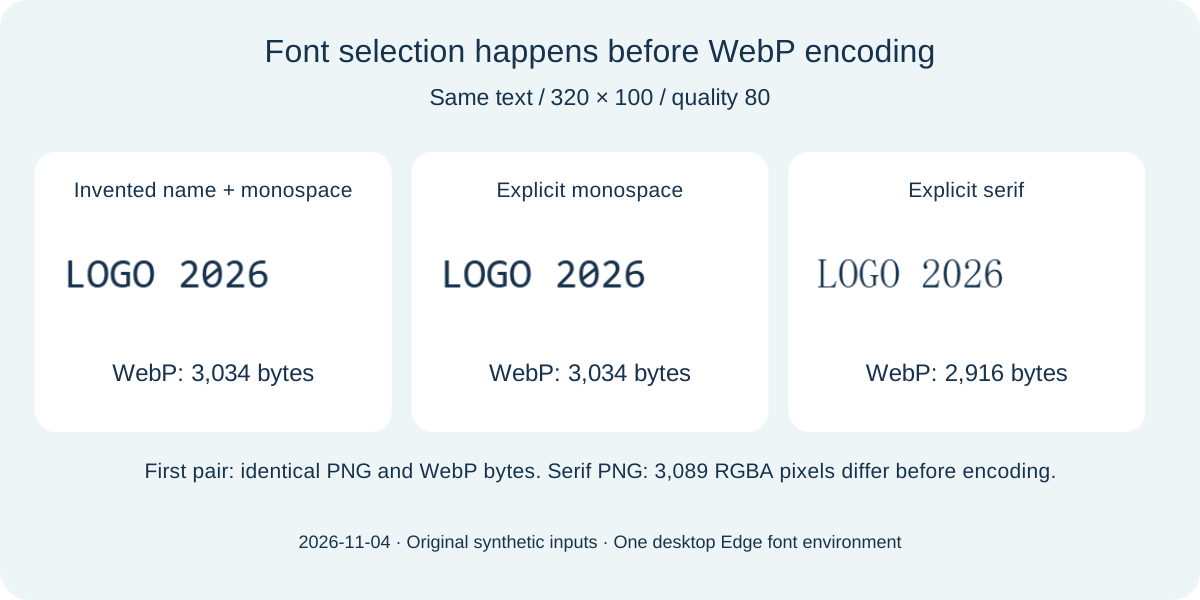
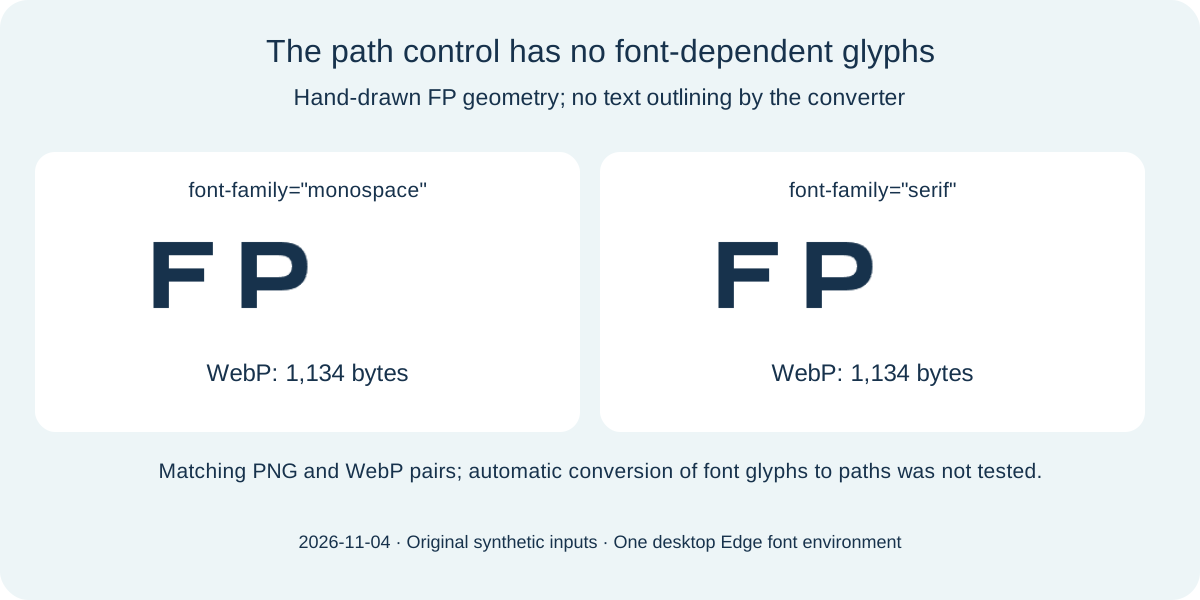
Changing WebP quality cannot ask this tool to acquire an unavailable original font. Check the lettering before choosing compression settings. Two further controls contain only original hand-drawn FP paths, with monospace or serif on the root element. Their PNG references match and their WebP files match, at 1,134 bytes each. Paths describe geometry; the root font attribute did not change these files without text elements. These paths were not generated automatically from the text above and do not establish an outlining feature here. This page does not embed fonts or rewrite glyphs. Keep the source, prepare the intended shapes in the authoring tool and inspect the exported copy. The test covers one desktop browser, without a guarantee of the same generic fonts or bytes on another system.
Download the font-control experiment record
| Input / date | Browser PNG reference | WebP · 320 × 100 | SHA-256 |
|---|---|---|---|
| font-fallback.svg 2026-11-04 · 214 bytes 320 × 100 px | PNG · 5672 bytes | WebP · 3034 bytes | 9bfcec7dc7b79cd3c22f1fa6c2602117c8ef1c2f0559afbb7788a3c8225273a7 068d3febcfed1b1edb3bd81646161bac8d2e4d1975c5c49af9e20f33a90711e2 7e418c63aacb4bfee7ab127c21f77de68943817c70bd2ac4b6567666e271e95f |
| font-monospace.svg 2026-11-04 · 183 bytes 320 × 100 px | PNG · 5672 bytes | WebP · 3034 bytes | f04e148795138d154e53a094c6c79088412d88ceab5f5f9e9a5416a730b3d20f 068d3febcfed1b1edb3bd81646161bac8d2e4d1975c5c49af9e20f33a90711e2 7e418c63aacb4bfee7ab127c21f77de68943817c70bd2ac4b6567666e271e95f |
| font-serif.svg 2026-11-04 · 179 bytes 320 × 100 px | PNG · 5696 bytes | WebP · 2916 bytes | 85d914bf65f35fea329027b06104110fb4c27cd9201235af4085a622b2f12162 151a3156e502590e41332423a372c2b6ddb3bb09b9506dcb45e5edcfafadda89 97c95e84097aa6a0ecd4da98a2524fe07cc3bcc64a1630dc9bc1d5120fc6d73d |
| font-path-monospace.svg 2026-11-04 · 294 bytes 320 × 100 px | PNG · 1867 bytes | WebP · 1134 bytes | 09a82bb291840c8c781a8d2f78de51f6104a69b55aad5f1c7e0f9358ec4ebba0 1362bbfd7e9a5e6d079e23db4fd56eee0038dda229602597e2eba17c4ecbcd40 40d69f6d4242c374847d2a068bbd45fc8064603f0e7dd5653f361a9c1efc3b47 |
| font-path-serif.svg 2026-11-04 · 290 bytes 320 × 100 px | PNG · 1867 bytes | WebP · 1134 bytes | bf67d381c44bd069ce4bcc6a299022397631e0f7a26eb9a8e7965a0daee83e36 1362bbfd7e9a5e6d079e23db4fd56eee0038dda229602597e2eba17c4ecbcd40 40d69f6d4242c374847d2a068bbd45fc8064603f0e7dd5653f361a9c1efc3b47 |














Supported content and practical limits
This page accepts one static SVG up to 2,097,152 bytes. The existing SVG validator accepts shapes, paths, text, gradients and local paint references with finite dimensions or a viewBox. Source and output are limited to 4096 pixels per side and 16 million pixels total. Scripts, animation, external resources, embedded images, links, use elements, foreignObject, style blocks and style attributes are rejected. Text depends on installed fonts; outlined text is more predictable. SVGZ, batch archives and animated WebP are not produced here. If the browser falls back to PNG when asked for WebP, conversion stops instead of naming PNG bytes .webp. Both the MIME type and RIFF/WEBP signature are checked. Nineteen rejection and fallback controls were exercised locally; they are implementation checks, not a complete security audit.
Download and reproduce the experiment
Four original SVGs, eight actual WebPs and three PNG rendering references. Each row records date, input/output dimensions, settings, bytes and hashes. PNG is the same-size rendering reference, rather than an intrinsic pixel truth for SVG. Difference counts compare decoded files at matching dimensions.
| Sample / date | Input / output size | Files / bytes | SHA-256 |
|---|---|---|---|
| badge-q30 2026-11-01 30 · transparent · VP8 | 320 × 200 → 320 × 200 px | alpha-badge.svg (492) badge-q30.webp (3392) | d1d2c09c92f741d38e2ba56519ac9afef5ed7396020e4d94ae72f53cd28b2e9b f89c16b26e3b4f284265dc89843cce240a9d7813347f2c085deafdab5c82ebc1 |
| badge-q80 2026-11-01 80 · transparent · VP8 | 320 × 200 → 320 × 200 px | alpha-badge.svg (492) badge-q80.webp (4162) | d1d2c09c92f741d38e2ba56519ac9afef5ed7396020e4d94ae72f53cd28b2e9b 5a67314ffb8969ee79fb137bfb23a82fd722e94f2b6f66099a06c1b35ba9b7cd |
| badge-q100 2026-11-01 100 · transparent · VP8L | 320 × 200 → 320 × 200 px | alpha-badge.svg (492) badge-q100.webp (12230) | d1d2c09c92f741d38e2ba56519ac9afef5ed7396020e4d94ae72f53cd28b2e9b ae94988d8a4b56d42c6a8bbce070fcf77f91e4e6dcf340e99d4fa901828a73a7 |
| badge-640-q80 2026-11-01 80 · transparent · VP8 | 320 × 200 → 640 × 400 px | alpha-badge.svg (492) badge-640-q80.webp (7738) | d1d2c09c92f741d38e2ba56519ac9afef5ed7396020e4d94ae72f53cd28b2e9b fa7cefbe6c9b1bf47edebfa234a5fd38d2bd59a918445297e834ba9aec2bd605 |
| badge-white-q80 2026-11-01 80 · white · VP8 | 320 × 200 → 320 × 200 px | alpha-badge.svg (492) badge-white-q80.webp (2108) | d1d2c09c92f741d38e2ba56519ac9afef5ed7396020e4d94ae72f53cd28b2e9b 8e7cd5130ab0d944ddf34ab5680acde58bcd9d4354a15711b058ba3016a1761d |
| drawn-white-q80 2026-11-01 80 · transparent · VP8 | 320 × 200 → 320 × 200 px | drawn-white.svg (537) drawn-white-q80.webp (2108) | 021110c55f4da819721ab305caaa5805b63003790d5dbbd5263f27e1c52833f8 8e7cd5130ab0d944ddf34ab5680acde58bcd9d4354a15711b058ba3016a1761d |
| tiny-q80 2026-11-01 80 · transparent · VP8 | 64 × 64 → 64 × 64 px | tiny-mark.svg (116) tiny-q80.webp (1000) | a09b0109f4af0f7615b8c67f5d5d54d3c19cc9ebe179356c0a4e26d24680801d d6a4f482f7263c11d33f9da90aa76b85551f3090f16e08ee314cda3b1af2a187 |
| shifted-q80 2026-11-01 80 · transparent · VP8 | 320 × 200 → 320 × 200 px | shifted-box.svg (142) shifted-q80.webp (2246) | f175ec601e7108b1c03e7272092f337ee575064d70454e6822757d4032f8a070 0038604188a8ecb606e1055a7b69e9aa17cd237af70aec96574217d01e4360be |
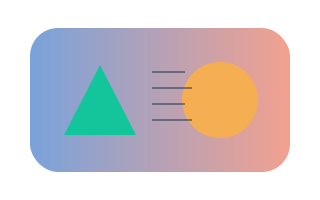
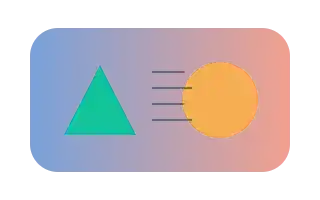
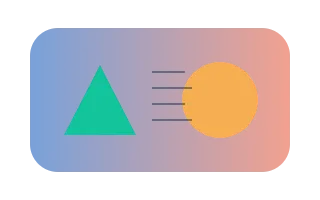
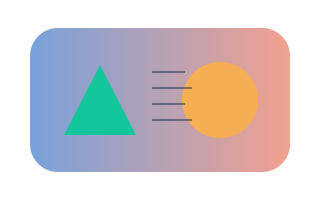
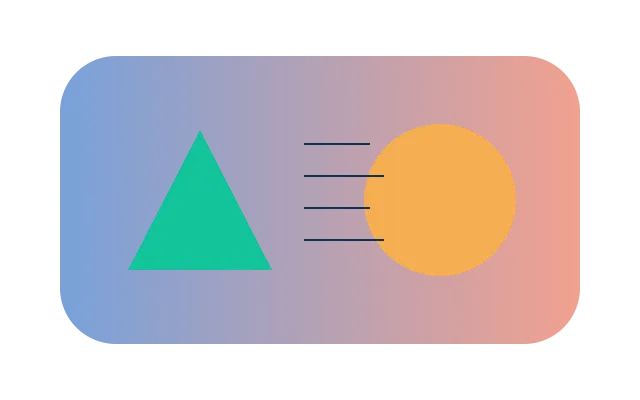


- badge-640-reference.png: 640 × 400 px, 155145 bytes.
1272f1b0d237f8611072cd00b4463efc712d7b319b734b8941d311f8df21bebe - badge-reference.png: 320 × 200 px, 43291 bytes.
c925dc4c6bf93ebd1713c61d32a58130d29d7c55a02f457e49228811ff63534c - badge-white-reference.png: 320 × 200 px, 37770 bytes.
cc0a48b7beba1d8f2aae3428c56bb7558434ea3eeea6b2fd4034c446f93acfec
Frequently asked questions
Why did the letter shapes change, not just become softer?
Font selection happens during rendering. Our monospace and serif PNG references already differ before WebP encoding. Inspect the source text and available fonts before attributing every shape change to compression.
Does this page turn text into outlines?
No. The FP fixture is a pre-authored path control. The converter did not generate it from text and does not offer font embedding. Keep the original and inspect a separate copy prepared in your authoring tool.
Can a valid SVG still be rejected?
Yes. SVG permits CSS, but this validator rejects style attributes and style elements. Only the presentation-attribute version of our three matching-appearance controls produced WebP. Displaying correctly elsewhere does not establish support here.
What should I re-export instead of changing quality?
For simple colors and strokes, try presentation attributes in a separate SVG copy and verify its appearance. Keep the original; do not just delete styling. There is no automatic CSS rewrite, and scripts, animation, embedded images and external references remain unsupported.
Will WebP stay sharp at every size?
No. Render the SVG at the pixel size needed for the destination. Compression quality does not restore vector scaling. Preserve the original SVG for another export.
Does quality 100 mean lossless?
Our tested Edge output used VP8L and matched visible reference pixels. This page requests a browser quality value rather than offering a separate portable lossless switch. Inspect the recorded codec and do not assume the same behavior in another browser.
Why is my WebP bigger than my SVG?
A compact vector instruction can describe a whole shape. The tiny-circle control grows from 116 SVG bytes to 1,000 WebP bytes. Compare your own result; no fixed savings percentage is promised.
Why is the background still white?
Transparent preserves clear source regions. It cannot remove an opaque white shape already painted in the SVG. Our drawn-white control and white-filled source produced identical files.
Are my files uploaded or turned into animation?
No source upload is used. The result is one still WebP. Scripts and SVG animation are rejected rather than silently represented as an animated export.
Sources and scope
Experiments use synthetic controls. Competing converters, physical phones and destination CMS behavior were not tested. Browser builds, Canvas encoders and available fonts may change results.