 Filepetal
How to convert WebP to SVG
Choose one WebP in the tool above, select Convert to SVG, and inspect the actual result on the checkerboard before saving. Keep the source so you can compare thin strokes, small lettering and transparent edges. This tool traces colored regions into paths; it does not recover the original vector design, fonts, layers or missing detail from a compressed picture.
The result is one still SVG from the first decoded frame. There is no frame picker, animated SVG export, background-removal switch or tracing-quality control. Choose your intended still image before conversion when an animation contains several different designs. If you need the exact raster appearance or the motion itself, keep the WebP rather than treating a new extension as proof of faithful recovery.
Compression can make the trace more complicated
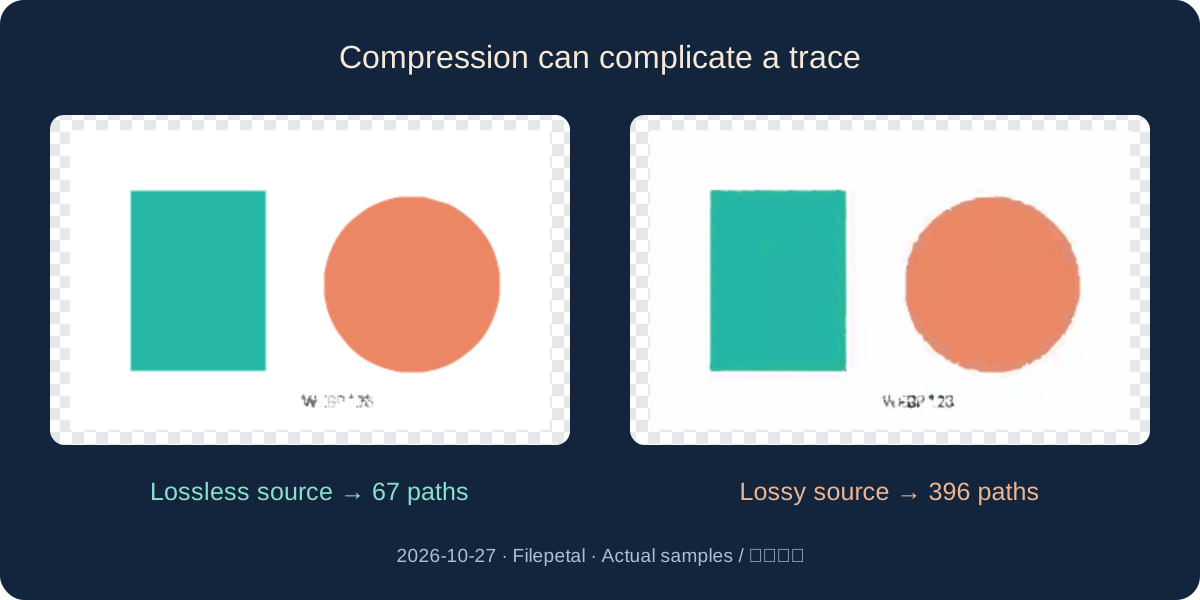
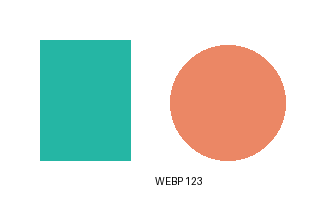
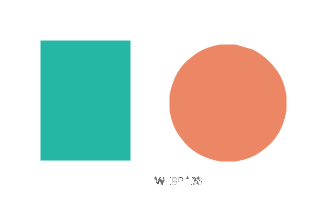
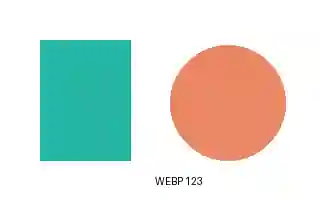
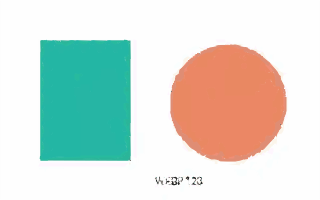
On October 27, 2026, we drew a rectangle, circle and small WEBP 123 label on the same 320 by 200 white canvas. We saved it once as lossless WebP and once as lossy WebP at quality 15. These are input-generation settings, not controls on this converter. Both versions were selected on the actual production page and their offered SVG downloads were saved.
The lossless input was 604 bytes and produced 10,779 bytes with 67 paths. The lossy input was 776 bytes and produced 71,578 bytes with 396 paths. The lossy trace also used 16 different fill colors instead of six. In this drawing, compressing with the lossy setting did not make either file smaller. Path counts describe the saved XML, not a quality score or a prediction for other pictures.
Compare the supplied pictures around the colored edges and lettering. Tracing redraws the decoded WebP, including visible compression changes; it cannot look behind them to find the original drawing. Try a cleaner source or the original vector artwork when those changes matter. This paired experiment uses one synthetic design and one browser; it does not rank encoders or prove that all lossy WebP files create more paths.
A moving WebP becomes a still drawing
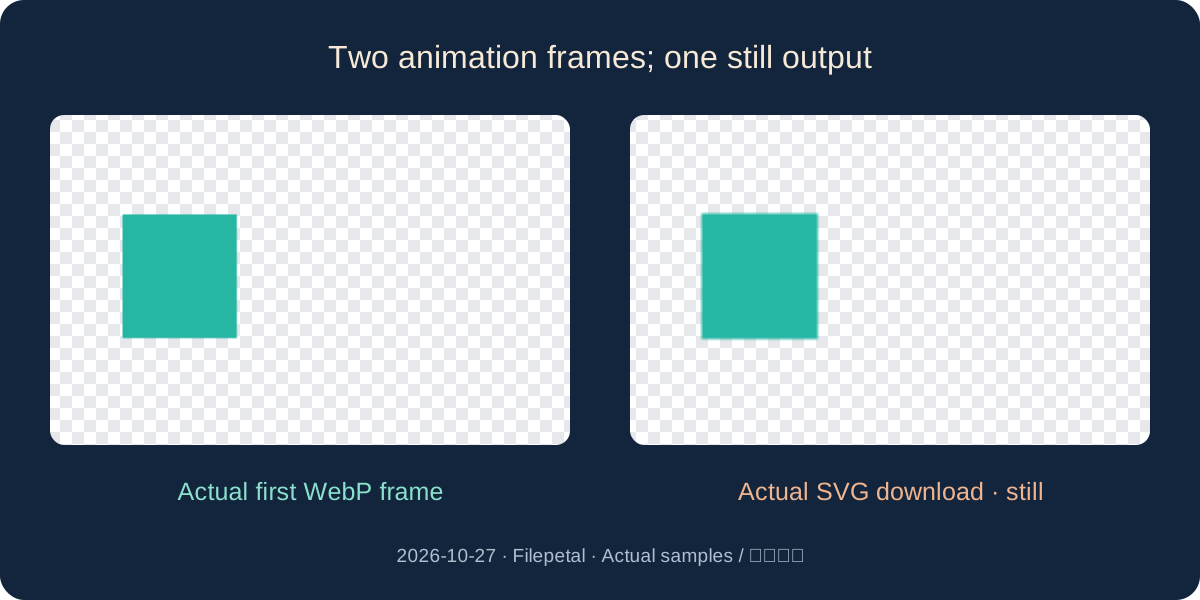
Our two-frame WebP first shows a teal rectangle on the left, then a peach rectangle on the right. Each frame lasts 600 milliseconds in the generated input. The actual downloaded SVG is 455 bytes with two paths and no animation or embedded image elements. Its bytes match the SVG made from our separately saved first frame. The second design and the frame timing are absent from that saved result.
That comparison verifies the first-frame behavior for this animation and the tested browser. It does not establish support for every animation disposal, blending or color-profile combination. A still preview is useful for checking which picture was exported, but it cannot restore missing motion. Keep the original animation, and prepare a separate still source if you need a later frame.
Transparency survives differently from detail
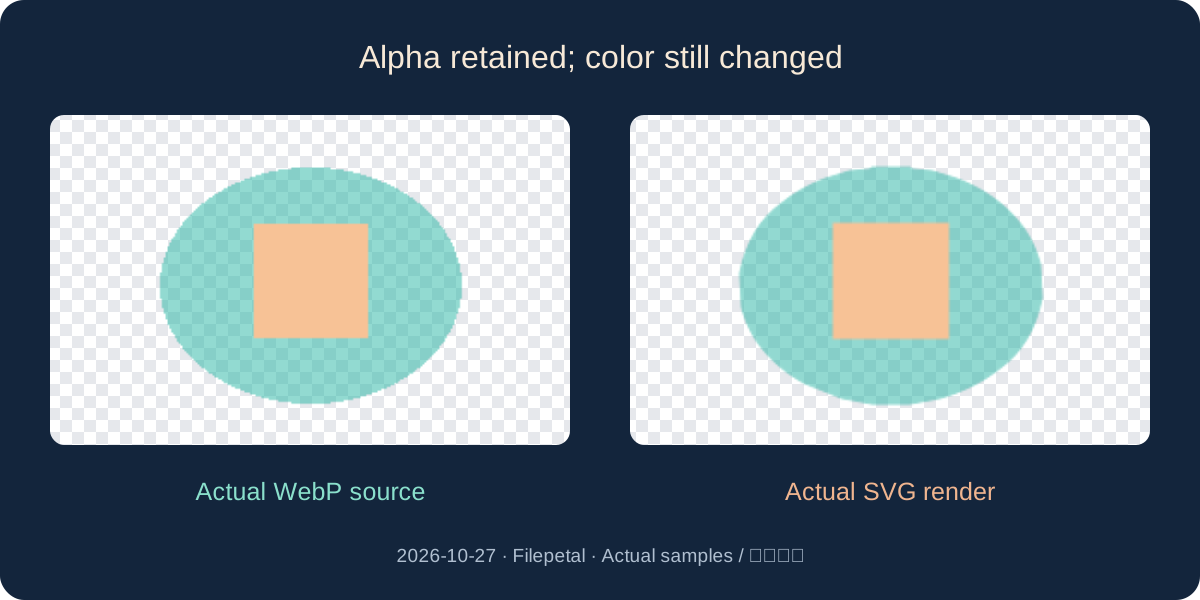
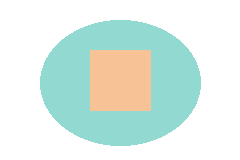
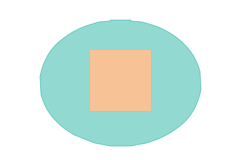
Our separate alpha sample has a half-transparent teal ellipse, an opaque peach rectangle and a clear exterior. Its 358-byte WebP produced a 1,150-byte SVG with three paths. Independent sharp/librsvg rendering kept the corner alpha at zero, a point inside the ellipse at 128 and the peach center at 255. The teal RGB changed from 38, 181, 164 to 37, 179, 163 at the inspected point. Preserving these alpha values did not preserve every color.
The all-clear 64 by 64 control still downloads a 269-byte SVG with one fully transparent path. A successful file is therefore not proof that visible artwork was found. The checkerboard is only the preview background, and this tool does not erase an opaque white background. Judge the saved SVG on the background you will actually use; the samples do not certify universal transparency or color-management fidelity.
A large canvas does not restore thin strokes
The fine-line source is 2048 by 256 pixels, with five horizontal strokes of 1, 2, 3, 5 and 9 pixels. Its actual SVG declares the same outer dimensions but uses a 1024 by 128 viewBox and ten paths. The existing tracing pipeline reduces the longest edge to at most 1024 pixels before fitting paths. The larger SVG width scales that approximation; it does not cause another read of the original high-resolution details.
Open the exact source and SVG below and inspect the line edges at your intended display size. The saved samples are evidence of this implementation, not guaranteed minimum stroke widths or a cutting-machine test. There is no font reconstruction: the small label in our flat drawing becomes paths, with no text elements in either output. Keep an editable original when text accuracy or exact geometry matters.
Repeat the experiment and understand its scope
Download a WebP source from the table and select it in this page. Save the offered SVG and compare it with the dated reference. The manifests give the experiment date, input and output dimensions, byte counts, SHA-256 hashes, frame count and saved SVG structure. A hash identifies an archived file; it is not a visual-quality metric or a promise of identical browser results.
Choose one valid WebP up to 20 MB, no more than 4096 pixels on either side and 16 million pixels in total. Wrong-header, truncated and oversized controls were separately rejected with no stale result offered. Conversion stays in the browser. WebP itself supports lossless and lossy compression, alpha and animation; those format capabilities do not imply that this still-image tracing tool exports all of them. No competitor conversion or physical-phone test was performed.
Download the exact test files
| WebP source | Dimensions | Actual SVG download | Bytes |
|---|---|---|---|
| alpha.webp | 240 × 160 | alpha.svg | 1,150 |
| clear.webp | 64 × 64 | clear.svg | 269 |
| fine-lines.webp | 2048 × 256 | fine-lines.svg | 1,768 |
| first-frame.webp | 240 × 160 | first-frame.svg | 455 |
| flat-lossless.webp | 320 × 200 | flat-lossless.svg | 10,779 |
| flat-lossy.webp | 320 × 200 | flat-lossy.svg | 71,578 |
| two-frames.webp | 240 × 160 | two-frames.svg | 455 |








Input manifest · Output manifest · SHA-256 · Original input generator · Reproduction and scope
Google: WebP container specification · W3C: SVG image element
Frequently asked questions
Was preview new on this page?
Yes. The previous WebP to SVG page offered a download but no converted-image preview. This update connects the existing site preview component to this pair. The underlying tracing algorithm is unchanged, and preview is not a unique competitive feature.
Will my animation keep moving?
No. This tool exports one still SVG from the first decoded frame. Our two-frame control matched the separate first-frame SVG exactly. There is no frame picker or animated SVG output.
Is the WebP embedded inside the SVG?
The seven saved outputs contain paths and no image elements. They are traced approximations. SVG as a format can embed raster images, so the file extension alone is not evidence of tracing.
Does SVG automatically make this smaller?
No. Our 604-byte lossless WebP became a 10,779-byte SVG; the 776-byte lossy control became 71,578 bytes. These measurements describe this drawing, not your future file size.
Can I edit the text or remove white automatically?
No. The sample lettering is traced as outlines, not editable text. Opaque white remains part of the drawing. Use a suitable editor or obtain the original artwork when you need fonts, layers or background removal.