 Filepetal
How to convert PNG to AVIF
Choose one still PNG, select a quality from 1 to 100 or the separate lossless mode, then select Convert to AVIF. Inspect the preview, dimensions and byte count before downloading. Files stay on your device; the encoder is downloaded as website code. This page does not upload your picture to a conversion server.
Use AVIF when the receiving app accepts it. A smaller delivery file and an archival original serve different needs. Keep the source PNG if you need its exact data, metadata or compatibility with another application.
Does quality 100 mean lossless?
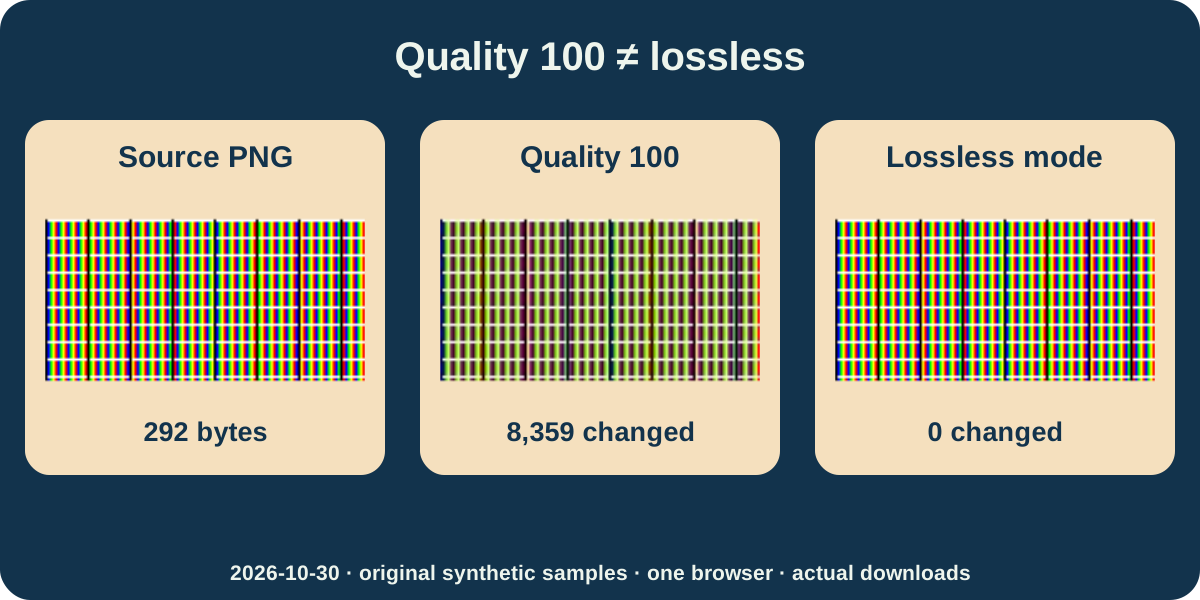
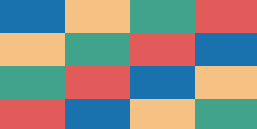
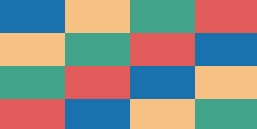
On October 30, 2026, we generated six original synthetic PNGs and saved twelve actual AVIF downloads from this page in one desktop browser. Our 129 by 65 color-edge pattern is a 292-byte PNG. At quality 40, 80 and 100, its AVIFs contain 1,975, 3,929 and 11,210 bytes respectively. All retain the odd pixel dimensions. These are particular files, not expected sizes for a photograph.
Independent Pillow decoding found 8,359 of its 8,385 opaque pixels had different RGB values at quality 100. The maximum difference in one color channel was 221. Selecting the separate lossless mode produced 17,658 bytes and zero different pixels in this opaque example. Quality 100 and lossless=true are different settings in this encoder. The magnified views below show actual downloads decoded for display; they are not a test of competing tools.
Which pixels does lossless encoding preserve?
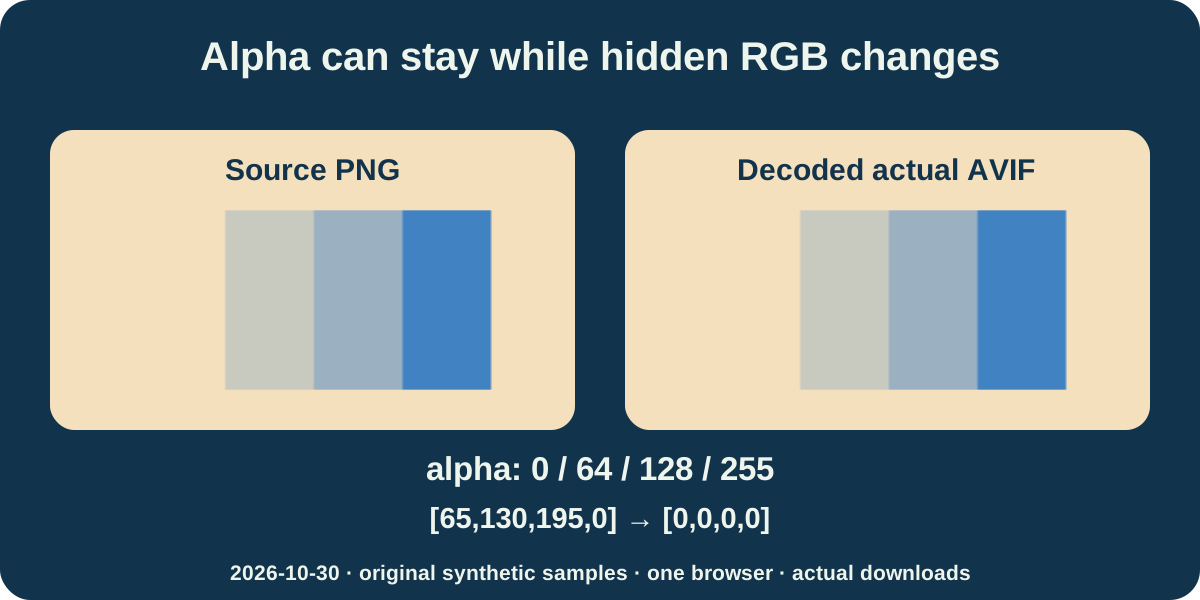
Our 129 by 65 transparency sample has four bands with alpha values 0, 64, 128 and 255. Its quality-60, quality-100 and lossless AVIFs independently decode to those same alpha levels, with zero alpha differences against the PNG. The lossless example is 573 bytes; the original PNG is 219 bytes. An opaque background already in your PNG will remain picture content.
The transparent pixels do not establish a byte-for-byte PNG round trip. For example, the source value [65,130,195,0] becomes [0,0,0,0] in the lossless download. At alpha 64, [65,130,195,64] becomes [64,131,195,64]. Browser canvas processing occurs before AVIF encoding and can change hidden or partly transparent RGB. The lossless setting describes encoding of that decoded 8-bit raster, not preservation of the original PNG container, profiles or every source RGBA value.
Will the AVIF always be smaller?
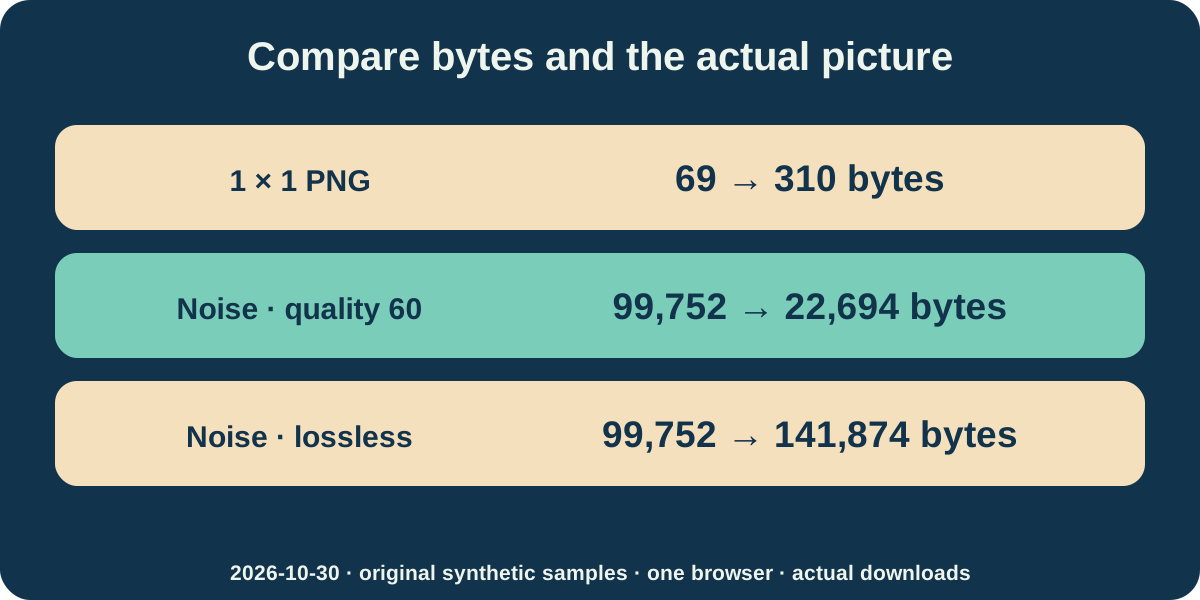
Our one-pixel PNG is 69 bytes; quality 60 creates a 310-byte AVIF with the same one-by-one dimensions. A separate 257 by 129 flat-color image goes from 505 to 581 bytes at the same quality setting. Smaller dimensions do not eliminate the overhead of storing another format, and these two examples offer no size saving.
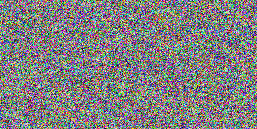
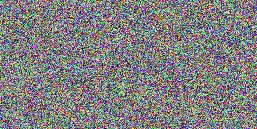
Our seeded 257 by 129 random-color PNG is 99,752 bytes. Quality 60 makes a 22,694-byte AVIF, but every one of its 33,153 opaque pixels has a changed RGB value after independent decoding. The lossless download keeps those pixels exactly in this example but occupies 141,874 bytes. A smaller file is useful only if its changes suit your purpose. File size alone is not proof of equal image data or a guaranteed saving.
What else did we actually check?
The sixth valid source is a 17 by 9 indexed PNG with four palette entries and partial transparency. Its lossless AVIF is 644 bytes versus 139 bytes for the PNG, with the same dimensions and alpha values. Each of the twelve inspected AVIFs is one still image. These results cover controlled low-bit-depth and 8-bit sources; they are not HDR, wide-gamut or real-camera tests.
Seven deliberate controls were rejected without a preview or download: incomplete data, a text file renamed PNG, a 4,097-pixel side, 16,008,001 total pixels inside a 4,001-pixel square, a file above 20 MiB, a 16-bit PNG and a two-frame APNG. We also cancelled an active conversion and rejected quality zero. Previous results are cleared when you choose another input or change settings. These checks do not establish support for every valid PNG representation.
Reproduce the exact comparison
The input manifest, actual-output verification and SHA-256 list retain dates, dimensions, bytes and settings for every offered pair. The generator uses Pillow 12.3.0 and NumPy 2.3.5 with seed 20261030. Output encoding uses the pinned @jsquash/avif 2.1.1 package, speed 6 and an 8-bit raster. Larger byte-limit and cancellation fixtures can be generated locally. Reference PNGs are independent decodes of actual AVIF downloads, not alternative converter output.
Other browsers, phones and receiving applications were not tested in this experiment. The page offers one file at a time, no resizing, background eraser, animation encoding or folder batch. Animated and 16-bit PNG inputs are rejected explicitly. Browser decoding, color handling and encoder versions can change exact bytes, so keep the source and inspect the file where it will actually be used.
Download inputs and twelve actual AVIFs
Different-pixel counts below compare RGB only where source alpha is 255. Full RGBA differences, settings, dimensions, bytes and full SHA-256 hashes are in verification.json. No per-upload difference report is generated.
| Source PNG / dimensions / bytes | Actual AVIF / mode / bytes | Different opaque RGB pixels |
|---|---|---|
| tiny-opaque.png 1 × 1 · 69 bytes | tiny-opaque-q60.avif lossy · 60 · 310 bytes 1 × 1 px | 1 |
| color-edges.png 129 × 65 · 292 bytes | color-edges-q40.avif lossy · 40 · 1,975 bytes 129 × 65 px | 8,384 |
| color-edges.png 129 × 65 · 292 bytes | color-edges-q80.avif lossy · 80 · 3,929 bytes 129 × 65 px | 8,367 |
| color-edges.png 129 × 65 · 292 bytes | color-edges-q100.avif lossy · 100 · 11,210 bytes 129 × 65 px | 8,359 |
| color-edges.png 129 × 65 · 292 bytes | color-edges-lossless.avif lossless · 100 · 17,658 bytes 129 × 65 px | 0 |
| alpha-bands.png 129 × 65 · 219 bytes | alpha-bands-q60.avif lossy · 60 · 559 bytes 129 × 65 px | 2,080 |
| alpha-bands.png 129 × 65 · 219 bytes | alpha-bands-q100.avif lossy · 100 · 603 bytes 129 × 65 px | 2,080 |
| alpha-bands.png 129 × 65 · 219 bytes | alpha-bands-lossless.avif lossless · 100 · 573 bytes 129 × 65 px | 0 |
| flat-color.png 257 × 129 · 505 bytes | flat-color-q60.avif lossy · 60 · 581 bytes 257 × 129 px | 33,153 |
| seeded-noise.png 257 × 129 · 99,752 bytes | seeded-noise-q60.avif lossy · 60 · 22,694 bytes 257 × 129 px | 33,153 |
| seeded-noise.png 257 × 129 · 99,752 bytes | seeded-noise-lossless.avif lossless · 100 · 141,874 bytes 257 × 129 px | 0 |
| indexed.png 17 × 9 · 139 bytes | indexed-lossless.avif lossless · 100 · 644 bytes 17 × 9 px | 0 |


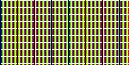
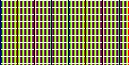
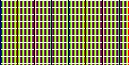
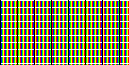






verification.json · input-manifest.json · SHA256SUMS.txt · generate-fixtures.py · REPRODUCE.md · ENCODER-LICENSE.txt ·
AOMedia: AVIF · jSquash encoder · MDN: native canvas export fallback
Frequently asked questions
Is quality 100 the same as the lossless mode?
No. In this tested encoder, the fine-color pattern at quality 100 has 8,359 changed opaque pixels; the separate lossless mode has zero. Compare the downloadable pairs.
Will transparent PNG areas stay transparent?
The tested alpha levels are retained in all three transparency outputs. This does not remove an opaque background, and hidden or partly transparent RGB can change before encoding.
Why is my AVIF larger than my PNG?
Contents, settings and format overhead matter. Our tiny PNG grows from 69 to 310 bytes; the random-color lossless example grows from 99,752 to 141,874 bytes. No fixed saving is promised.
Can I convert thousands of PNGs or a folder?
This page converts one file at a time. There is no folder scanner, batch queue or ZIP export. The public samples help compare settings; they are not a per-upload pixel-difference report.
Can I use an animated or 16-bit PNG?
Those inputs are rejected here. This tool creates still 8-bit AVIFs and does not silently discard APNG frames. Keep your original for animation, precision, profiles and metadata.