 Filepetal
How to convert SVG to JPG
- Choose one self-contained SVG file, or paste its markup and select “Use SVG code”.
- Set the output width. The height follows the source canvas proportions. Transparent areas become white.
- Select “Convert to JPG”, inspect the actual JPG preview, then download the file.
Use JPG when you need an opaque still image. Keep the original SVG for editable paths and future resizing, or use SVG to PNG when transparent surroundings matter. Compare the saved result at its intended display size. The examples below help distinguish unused canvas space from a background painted in the source.
Why does my JPG have white margins?
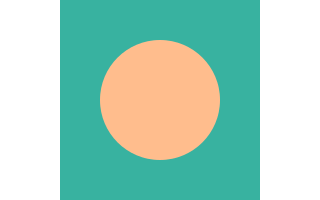
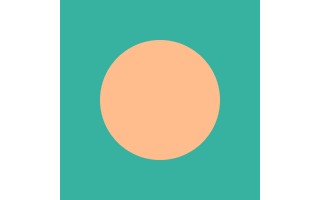
Our October 17, 2026 sample puts a square drawing inside a 320 × 200 SVG canvas. The source uses a square viewBox and the default proportional fit. The saved JPG keeps a 200 × 200 drawing centered in the wider canvas, with space at both sides. That space becomes white when this converter makes the JPG. The tool has not automatically cropped to the colored shapes.
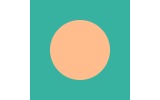
Changing the output width to 160 produced a 160 × 100 JPG. The drawing and the surrounding space both became smaller; the margins did not disappear. If your logo needs a tighter image, adjust the source artboard to fit the artwork before converting, or crop the saved image in an editor. Increasing or decreasing this page's width changes the scale of the whole canvas.
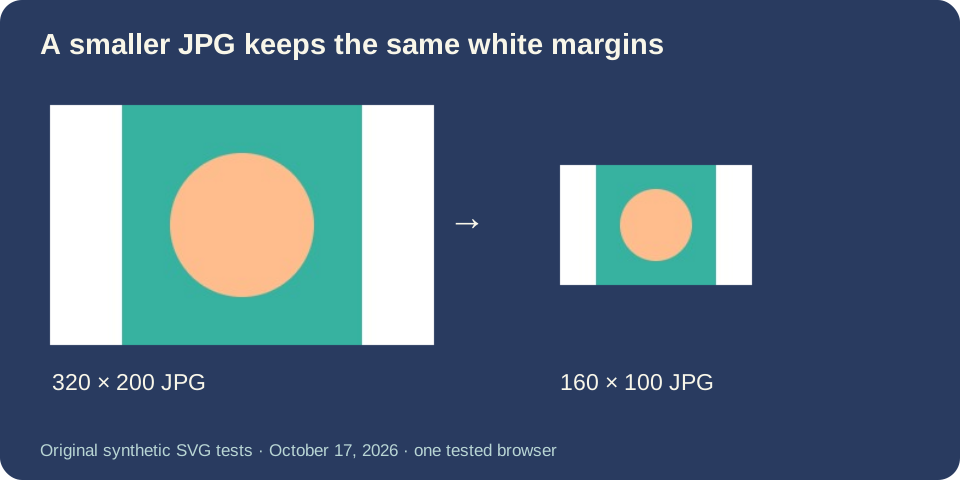
We checked the saved files independently rather than using the preview alone. The larger JPG was 4,227 bytes and the smaller one 2,479 bytes. These counts describe these exact synthetic files and this browser's encoder; they are not a file-size prediction for your logo or a comparison with another converter.
Why not just stretch the SVG to fill the image?
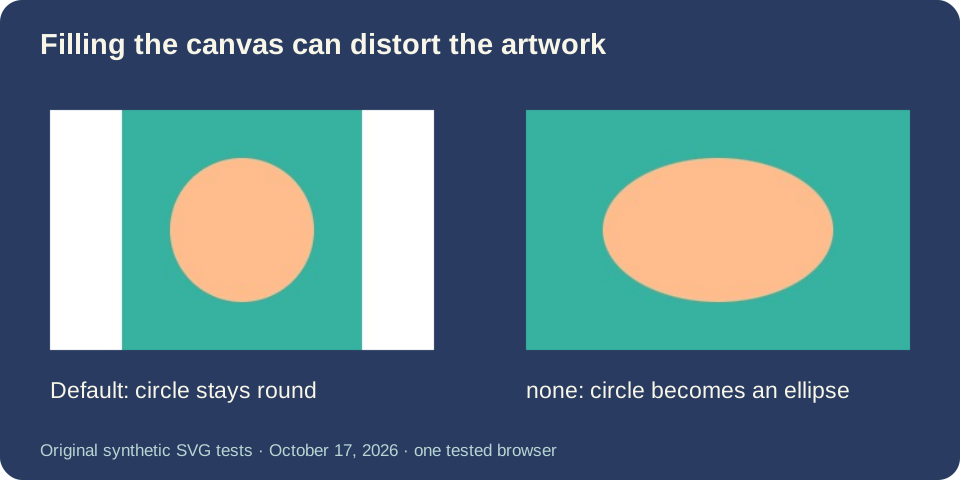
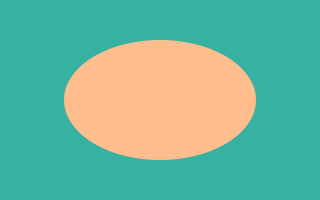
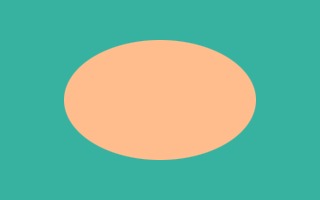
For the second source, we changed only the SVG's preserveAspectRatio attribute to none. Its 320 × 200 JPG filled the canvas, but the originally round circle became wider than it was tall. Removing the margins this way changes the shape of the artwork. The saved file was 3,881 bytes; that smaller count does not make the distorted result a better conversion.
Compare the two downloads before editing a logo. The default fit preserves its proportions and leaves spare canvas space. Stretching fills the available rectangle by changing those proportions. A properly fitted source artboard is a different operation from either scaling or stretching. This converter does not provide a crop control or repair the SVG's artboard for you.
White does not tell you whether the SVG was transparent
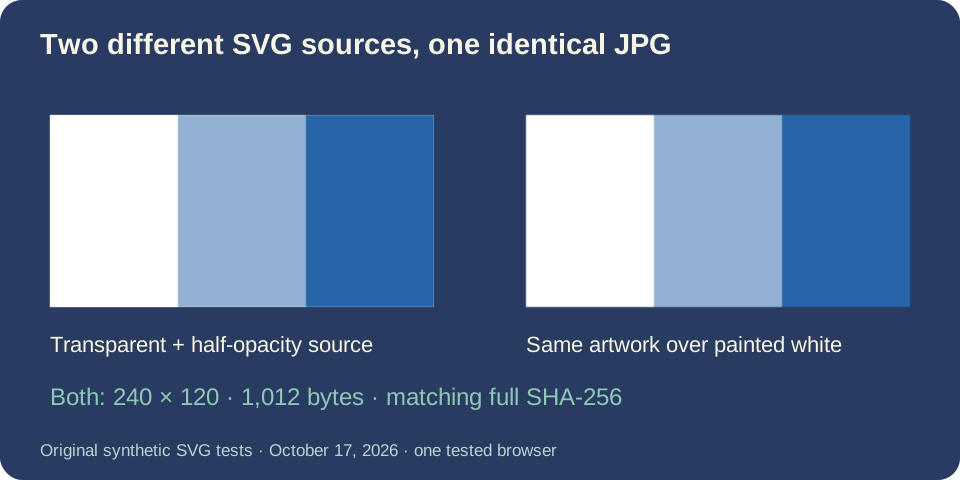
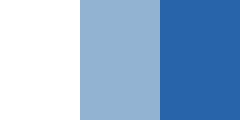
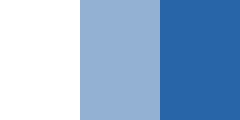
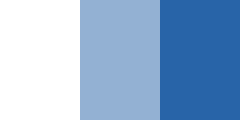
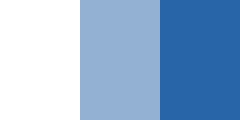
We constructed one SVG with clear, half-opacity blue and opaque blue bands. Another drew the same bands over an explicit white rectangle. Both produced exactly the same 240 × 120, 1,012-byte JPG, including the same full SHA-256 hash. Once both versions have been composited onto white, this JPG cannot tell you which source used transparency.
That result is useful when checking a white logo background. A white-looking output is not evidence that the original SVG contained a white rectangle, and converting the JPG back to a transparency-capable format will not recover the missing distinction. Return to the SVG to inspect its objects. Keep an SVG or a transparent PNG when you need to place the artwork over another color.
Choose the final size before judging fine detail
Our viewBox-only source measures 301 × 199. Selecting a width of 150 created a 150 × 99 JPG: the calculated height must become a whole number of pixels. It did not create a second SVG or retain editable geometry. Check the downloaded dimensions when an upload form expects an exact size.
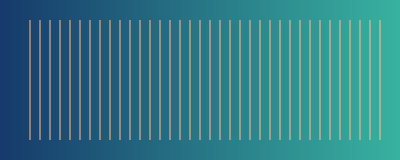
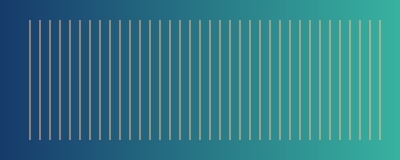
A separate original drawing contains a local gradient and thin vertical lines. We saved it at 400 × 160 and 100 × 40. The smaller result has fewer pixels available for those lines; enlarging it on screen does not recreate the original vector edges. Open both dated outputs at their actual size to compare them. The fixed JPG encoding and the conversion algorithm are unchanged by this page update, and this small test does not rank other browsers or competing services.
Download the dated SVG and JPG pairs
Six original synthetic SVG inputs and nine actual JPG downloads, tested October 17, 2026. Drawings and paired outputs are CC0. Every row gives the source canvas and the saved result; byte counts refer to the linked files.
| Case / SVG input | Source canvas | SVG bytes | JPG output | JPG bytes |
|---|---|---|---|---|
| letterbox-meet-320 | 320 × 200 | 188 | 320 × 200 | 4,227 |
| letterbox-meet-160 | 320 × 200 | 188 | 160 × 100 | 2,479 |
| letterbox-none-320 | 320 × 200 | 215 | 320 × 200 | 3,881 |
| alpha-bands-240 | 240 × 120 | 220 | 240 × 120 | 1,012 |
| painted-white-240 | 240 × 120 | 265 | 240 × 120 | 1,012 |
| viewbox-only-301 | 301 × 199 | 186 | 301 × 199 | 8,792 |
| viewbox-only-150 | 301 × 199 | 186 | 150 × 99 | 4,103 |
| gradient-lines-400 | 400 × 160 | 2,306 | 400 × 160 | 11,063 |
| gradient-lines-100 | 400 × 160 | 2,306 | 100 × 40 | 1,711 |
Full measurements, dates, hashes and rejection records · SHA-256 list · Original input generator · Reproduction steps and scope. The generator uses Python's standard library. Upload each generated SVG and use the width in the measurement record. Other encoder versions can produce different JPG bytes.
SVG to JPG questions
Will changing the width remove the white border?
No. In our matched 320 and 160-width exports, the canvas and its unused space scaled together. Fit the source artboard to the artwork or crop the result separately when you need less space.
Can I keep a transparent background in a JPG?
No. This tool fills clear regions white when creating JPG. Choose PNG for transparency; a white object already drawn in the SVG remains an object.
Why did my circle become an ellipse?
Check whether the source uses preserveAspectRatio="none" with different canvas and viewBox proportions. Our paired example reproduced that distortion. Return to proportional fitting or revise the source canvas instead of stretching the artwork.
Can I choose another JPG background or crop here?
This page currently uses a white JPG background and offers output width, not a background selector or crop tool. Edit the SVG before converting if you need another painted background or tighter artboard.
Why does pasted SVG fail when a file looks fine elsewhere?
The same static-content checks apply to both input methods. Style attributes, external images and active content are rejected here. Use self-contained shapes with presentation attributes; do not assume that every valid SVG feature is supported by this converter.
Supported SVGs and tested error boundaries
Conversion runs in your browser. Existing limits are one SVG up to 2 MB (2,097,152 bytes), 4096 pixels per side and 16 million pixels for the source and output. Supply positive pixel dimensions or a valid viewBox. Text depends on available device fonts; export lettering as paths for a consistent source.
Scripts, animations, foreignObject, embedded or external images, use elements, links, style blocks and style attributes are not accepted. Local gradient paint references worked in our test. We separately tried a style attribute, a linked image, malformed markup and a 4097-pixel source. Each was rejected with no result or download. These checks document four cases, not exhaustive malformed-file compatibility.
Format references: SVG viewBox and preserveAspectRatio. The specification explains fitting; the downloadable samples show this converter's measured behavior.